Two Person · Your next scene
Raindance AI Video Generator
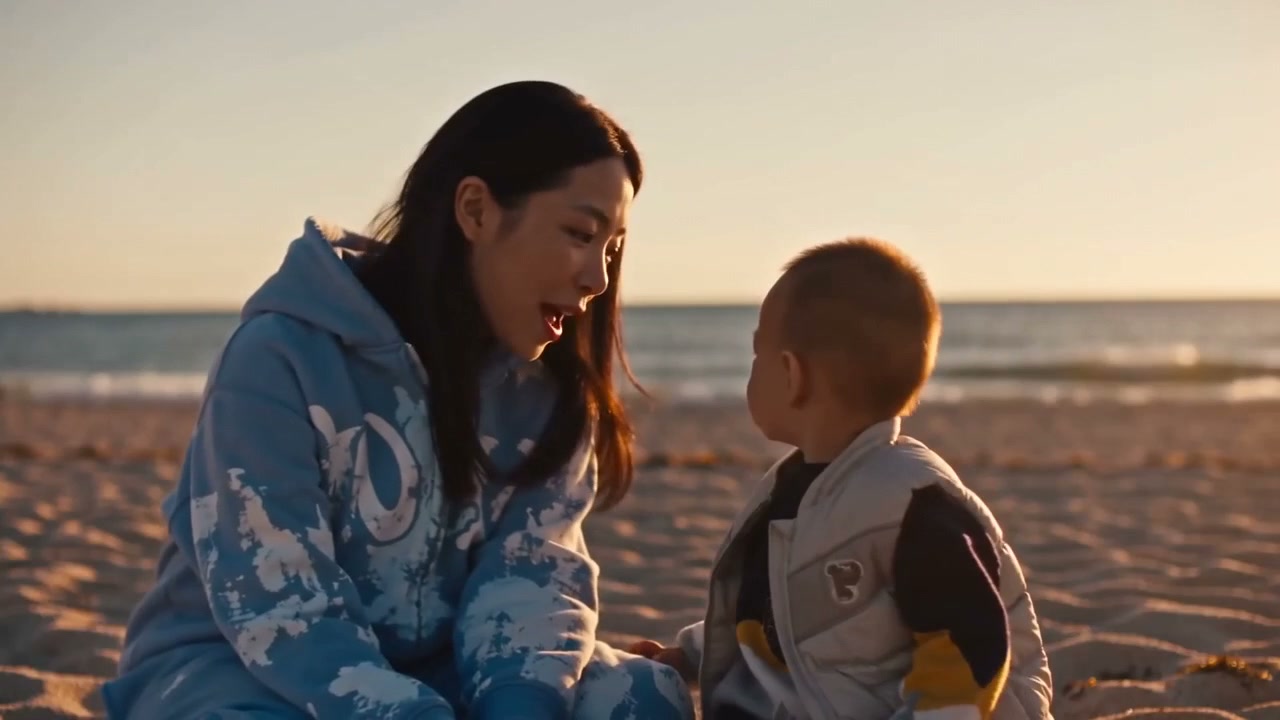
Raindance AI turns your photos into a sunset music-video scene, with singing on a wooden pier and a two-person moment on the beach. Upload two separate portraits to put your own people into the scene. This Raindance AI video maker creates a 10-second clip with the original scene audio. Sign in and check the credits before generating.
10.041667-second template preview. A two-photo Raindance example featuring a woman and child in the sunset pier and beach scene, with the original scene audio.
- Inputs
- person + person
- Photos
- 2 photos
- Pets
- People only
- Model
- Seedance 2.0
- Audio
- Original scene audio
- Credits
- 500 per video credits
- Clip length
- 10 seconds
- Expected wait
- About 10 min
A complete 10-second, 720p video costs 500 credits. Sign in with sufficient credits to generate.
A good photo makes the difference.
- Upload one clear photo for each role. Photo 1 is the singer; photo 2 is the pier companion. The template supplies the sunset pier, beach scene and performance.
- Use even lighting and avoid heavy face filters.
- For two people, use one separate photo per person.
Generate this template
Upload one clear photo for each role. Photo 1 is the singer; photo 2 is the pier companion. The template supplies the sunset pier, beach scene and performance.
How it works
What is the Raindance AI trend?
The Raindance AI trend turns photos into a short music-video-style scene: a wooden pier, warm sunset light and a person singing to the camera. You may also see it written as rain dance AI. This template adds a second person to the pier and beach sequence, so you can create your own two-person version.
How it works
How to make the Raindance AI trend
1. Upload two separate photos. Choose the singer for photo 1 and the pier companion for photo 2.
2. Check the fixed 10-second, 720p, 16:9 video and 500-credit price. Sign in and confirm that you have permission to use both photos.
3. Generate, review both people and the sound, then download the finished clip from My videos before its displayed expiry. You can confirm an optional email address to receive a private collection link when it is ready.
How it works
Choose the two roles
Try a parent and child, a couple or two friends. Photo 1 supplies the singer's identity, while photo 2 supplies the person sitting on the pier. The same two people appear together in the beach scene.
Use one person per photo, with a clear face and even lighting. Avoid sunglasses, heavy filters and group photos. A photo showing more of the second person's outfit can help guide their appearance.
How it works
Original sound and video length
The finished video includes the original audio from the same 10-second source segment. The generated performance, framing and cuts can vary; use the example to understand the look and review your result before posting.
This template makes one fixed 10-second clip for 500 credits, with no AI Video Swap watermark. It requires sign-in and sufficient credits. Generation time varies with the provider queue; the estimate is not a promise.
When posting on TikTok, turn on the AI-generated content label and follow the platform's rules.
From your photo to the scene
Make the moment yours.
Choose your photos
Upload one clear photo for each role. Photo 1 is the singer; photo 2 is the pier companion. The template supplies the sunset pier, beach scene and performance.
Make it happen
Check the requirements, confirm consent and press Generate. Follow the job status as your video is processed.
Keep your moment
When generation succeeds, download your result from its private link before the files are deleted.
Creator-tested template
Built and tested by a TikTok creator.
This scene was selected, tested and reviewed through the operator's own short-form creator workflow before publication. The checks cover movement, sound, identity replacement and whether the result is ready for a social post.
Approximately 2.9M followers is reported from an operator-provided TikTok profile capture checked 6 October 2026. It is not TikTok endorsement and does not guarantee reach or views.
Before you step in
A few things to know.
How do I make the Raindance AI trend?
Upload two separate portraits, choose who plays the singer and pier companion, check the credits and generate. Review the finished 10-second clip with sound, then download it from My videos or your private result page.
What is Raindance AI?
It is an AI music-video trend featuring a sunset pier and a person singing to the camera. This template creates a two-person version from your photos and requires two separate portraits.
Which photo replaces which person?
Photo 1 replaces the singer in the close-ups and on the left in the beach scene. Photo 2 replaces the person sitting on the pier at the start and on the right in the beach scene.
Does the video include sound?
Yes. The download includes the original audio from the matching 10-second source segment.
What does it cost?
A fixed 10-second, 720p, 16:9 video costs 500 credits. Sign in and check your balance before generating. See Pricing for subscription plans.
Can I leave the page while my video is generating?
Yes. Return to My videos in your original account to find the task and its result. You can also confirm an optional email address for a private collection link when it is ready. Download before the expiry shown with the video.
Last updated:
A photo. A scene. Your moment.
Keep the story going
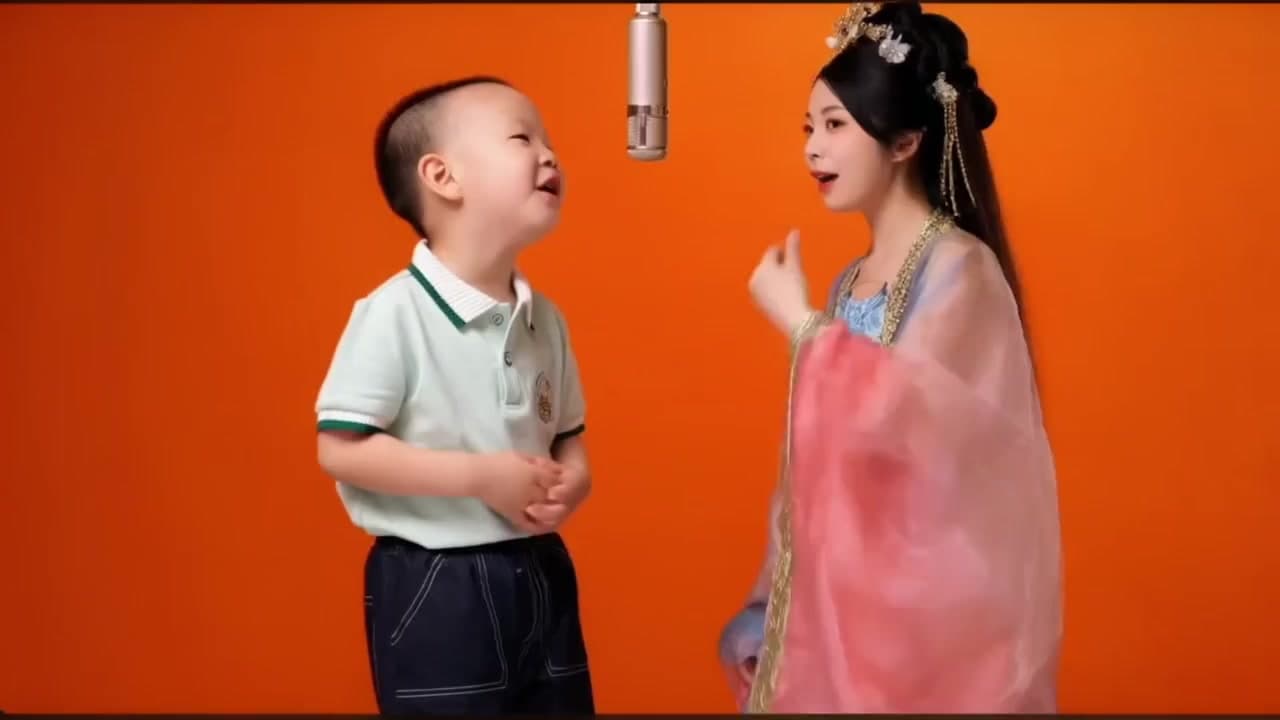
Hotel Lobby AI Template
Create a two-person performance in an orange scene beneath a hanging microphone from two portraits.
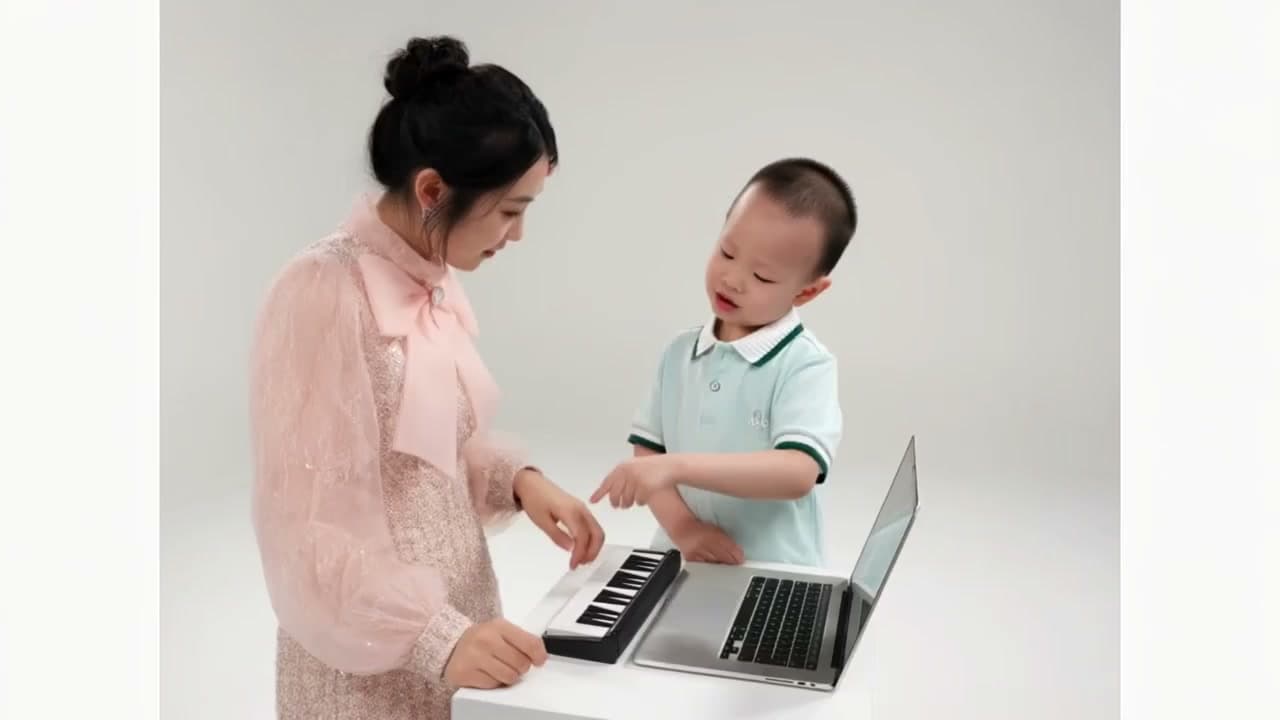
Alors On Danse AI Meme Video Maker
Put two people at the keyboard and laptop in the Alors On Danse AI making-of meme. Upload two portraits to replace both performers while keeping the studio action and original sound.
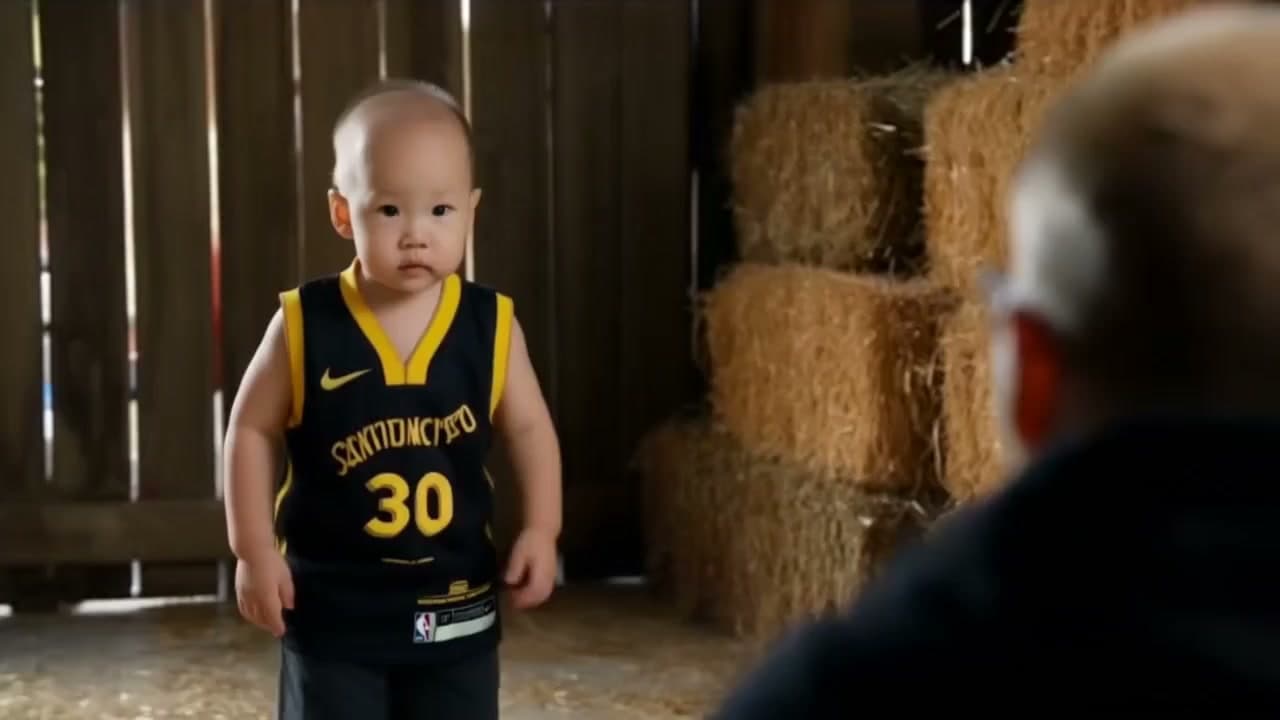
Rumpelstiltskin AI Video Maker for the Tip Toe Trend
Upload two portraits and put your own dancer and observer into the Rumpelstiltskin AI video: a barn-floor tip-toe dance, ready for TikTok.