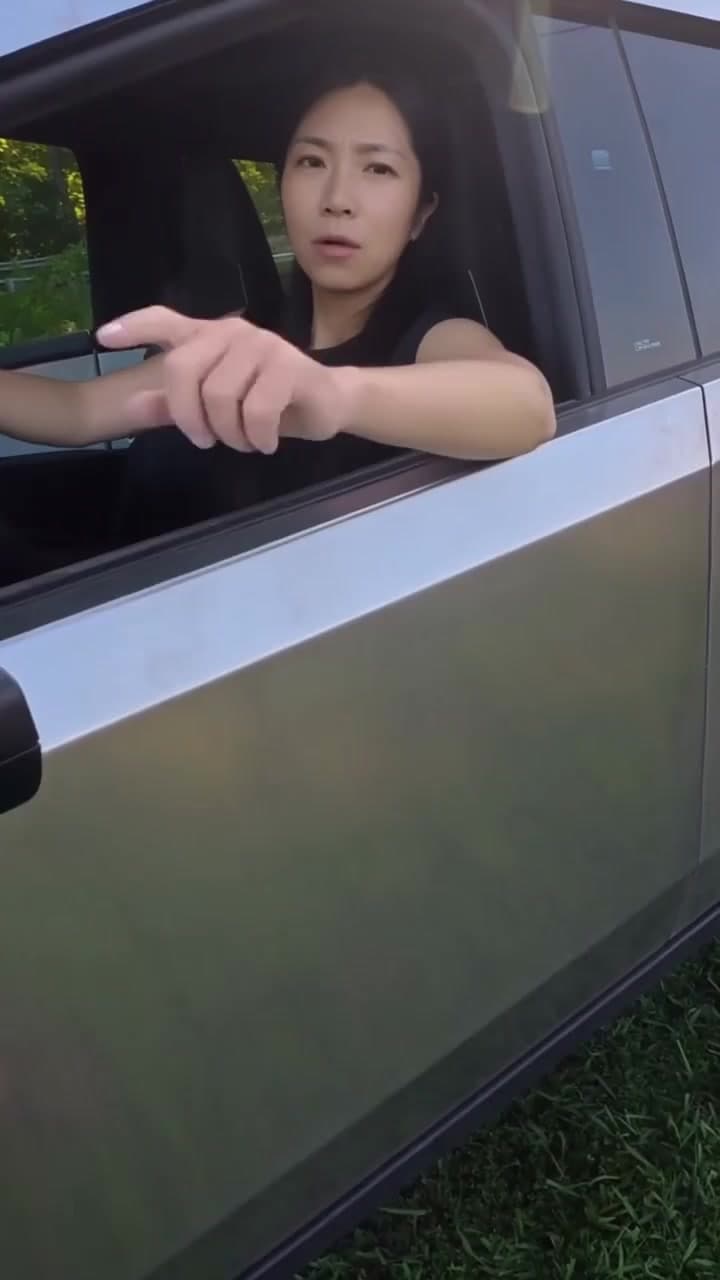
Meme
Phone on Train AI Template
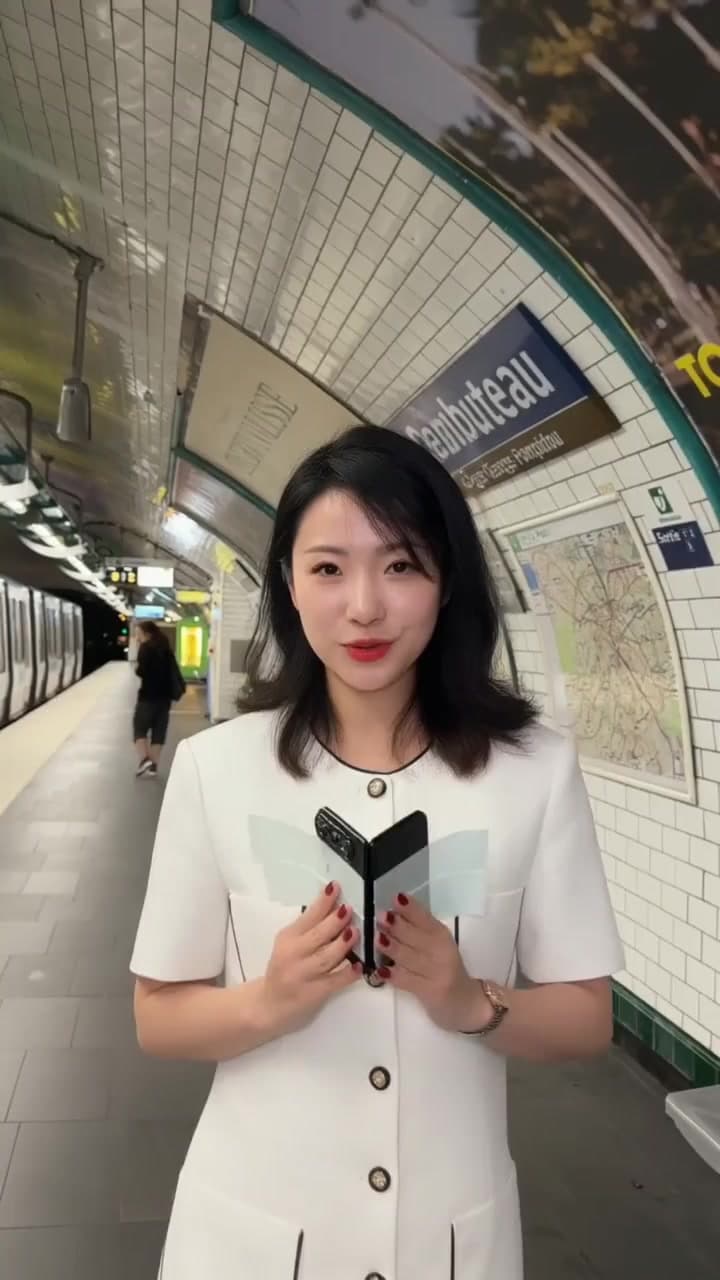
aivideoswap's Phone on Train template, listed as Training Season Train Challenge, creates a platform scene from one full-body photo. The verified preview shows a person approaching a train, pressing a phone to its window and turning away; it does not show a departing train or a chase. No real train filming or source video is required.
Your photosUpload one clear full-body photo with the person's face and legs visible; no train or platform photo is required.
3-second preview for eligible new customersGenerate this template
Phone on Train AI video: Training Season preview. 10-second template preview. Training Season Phone on Train AI video preview of the platform scene. The preview shows a person approaching a train on a platform, pressing a phone to the window and turning away. It does not show a departing train or a chase.
- Inputs
- person
- Photos
- 1 photo
- Pets
- People only
- Model
- Kling 3.0 Omni Transformation
- Audio
- Original audio requested
- Credits
- 20/second credits
- Clip length
- 7–15 seconds
- Expected wait
- About 10 min
Full-length clips are 7–15 seconds at 720p and use 20 credits per second. Sign in with sufficient credits to generate a full-length clip.
Photo tips
Upload one clear full-body photo with the person's face and legs visible; no train or platform photo is required.
Use even lighting and avoid heavy face filters. Use one separate photo per person.
How it works
What this Phone on Train template creates
The template is listed as Training Season Train Challenge and uses a station-side view. The preview shows a person approaching the train, pressing a phone to its window and turning away.
The current preview does not show a departing train or a chase. Use the preview to judge whether this action matches the video you want to make.
How it works
How to make the Phone on Train video
Upload one clear full-body photo with the person's face and legs visible. The template supplies the platform, train and phone-to-window action; no train photo or source video is needed.
Confirm consent, check the selected generation option and its credit cost, then generate. Review the completed action, framing and any audio before sharing.
How it works
No filming at a train station is needed
This workflow starts with a full-body photo and a prepared scene. You do not need to visit a station, attach a real phone to a train or film beside a carriage.
From your photo to the scene
Make the moment yours.
Choose your photos
Upload one clear full-body photo with the person's face and legs visible; no train or platform photo is required.
Make it happen
Check the requirements, confirm consent and press Generate. Follow the job status as your video is processed.
Keep your moment
When generation succeeds, download your result from its private link before the files are deleted.
Creator-tested template
Built and tested by a TikTok creator.
This scene was selected, tested and reviewed through the operator's own short-form creator workflow before publication. The checks cover movement, sound, identity replacement and whether the result is ready for a social post.
Approximately 2.9M followers is reported from an operator-provided TikTok profile capture checked 6 October 2026. It is not TikTok endorsement and does not guarantee reach or views.
Before you step in
A few things to know.
How can I turn a full-body photo into the Training Season train video?
aivideoswap's Phone on Train template, listed as Training Season Train Challenge, creates a platform scene from one full-body photo. The verified preview shows a person approaching a train, pressing a phone to its window and turning away; it does not show a departing train or a chase. No real train filming or source video is required. On aivideoswap, this is the Phone on Train template shown in the preview. It creates a platform scene with a person approaching a train, pressing a phone to its window and turning away.
Does the current preview show a departing train or a chase?
No. The verified preview shows the approach, phone-to-window action and turn away. It does not show a departing train or a chase.
Why should I use a full-body photo?
The action shows the person standing and moving on the platform. Upload one clear full-body photo with the face and legs visible; a close-up portrait or a platform photo does not provide the intended input.
Do I need to film at a station or upload a train video?
No. The template supplies the train, platform and phone-to-window action. Start with your full-body photo; no real train filming or source video is required.
What should I check before sharing the result?
Review the completed action, face, framing and any audio. Confirm that you have permission to use the person's photo and any sound you publish.
Do I need an account to try the template?
Eligible registered users can make one free 3-second, 480p watermarked preview after registering and signing in. This allowance applies across the site, not separately to each template. Full-length generation requires sign-in and sufficient credits. See pricing for current plans.
Last updated:
A photo. A scene. Your moment.
Keep the story going
Hot picks, then our 3 newest scenes, followed by lower-credit templates. Prices use the displayed clip length; model and people options can change the total.