Practical guide
I'm the One Shoulder Carry AI: Two Photos, Two Roles, One Turn
Plan the shoulder-carry AI trend with clear carrier and rider photos. See the original reference, the 200-credit price, photo tips and result checks.
In this guide
The I'm the One shoulder-carry AI template is about keeping two identities attached to two moving bodies. One adult carries the other across their shoulders, turns, and finishes with the carried person upright. If you choose your photos by “person on the left” and “person on the right”, the turn can make those labels confusing. Think carrier and rider instead.
The shoulder-carry template takes two different adult photos, produces a vertical 720p clip of about 9 seconds, retains the original soundtrack and costs 200 site credits. The displayed video is the operator-authorized original hosted on the source page, not a result generated by AI Video Swap. This new workflow has not had a paid end-to-end generation test; the reference shows the intended scene, not a guarantee of face likeness or movement quality.
Watch the action before choosing the photos
The ordinary version on this site takes place in a parking garage. At the opening, the carrier is standing on the ground and the rider lies across their shoulders. During the turn, faces and limbs overlap. At the end, the rider becomes upright. The full reference is approximately 9.08 seconds, and the generation contract retains that complete timeline rather than ending before the final pose.
This is not the Christmas pajamas version, and it is not a backflip generator. The fixed scene includes the garage, camera and original movement. Your photographs supply the two adults' identities and visible outfits. There is no background picker or custom stunt prompt on this template.
You do not need to film a real lift. Two clear, separate photographs are the inputs. That makes the effect useful for a playful couple edit or a friendship video without asking either person to perform the physical move.
Photo 1 is the carrier; photo 2 is the rider
Carrier — photo 1: choose the adult who should be standing on the ground and carrying the other person at the start. Use a sharp photograph with the face, hair and outfit visible. A full-body photograph gives the model more information about trousers, shoes and proportions.
Rider — photo 2: choose a different adult who should be carried across the shoulders at the start and become upright at the end. Again, one person should occupy the photograph. Do not upload a group shot and expect the website to know which face you meant.
Use photos with permission from both people. The site rejects a byte-identical photograph uploaded twice, but that does not prove that two different files show two different people. Check the identities yourself before submitting. A cropped copy of the first photo is not a substitute for the second adult.
What makes a useful photo for this particular movement?
A face that is small, blurred, heavily filtered or covered gives the model less reliable identity information. Prefer even light and a face that is easy to distinguish from the background. Hands, hair and clothes should not be hidden by another person.
The overlap in this scene makes simple outfit silhouettes helpful. A readable jacket shape or clear trouser outline gives you something to inspect as the bodies rotate. Very fine jewellery, fingertips, loose fabric and shoes outside the photograph can vary. Uploading an excellent portrait improves the available reference; it does not guarantee a perfect result.
The site creates a closer crop from each original photograph for the generation request. You still upload only two photos. You do not need to prepare four pictures or manually combine two people into a single image.
Three ways to give the clip a joke
A shoulder-carry edit already has a visual payoff. A caption works best when it adds context instead of describing the lift. For a couple, try “Who carries the holiday planning?” For friends, “Me carrying our group project.” For a birthday, “Your emotional support birthday person.” These are creative suggestions, not measured trending searches or promises of reach.
Keep the wording short enough to read before the ending. Put any added text where it does not hide the faces or the contact between the two bodies. The template does not add captions, so add text in your preferred editor after downloading.
Avoid jokes that depend on assigning someone a sensitive personal trait. A shared situation that both people recognise usually makes a better private surprise than a caption that embarrasses one of them. Ask before making another person's likeness public.
A useful ChatGPT brief does not replace the template controls
If you want help planning the post, ask: “Write five short captions for a two-person shoulder-carry AI video about sharing responsibilities. Keep them friendly and avoid implying the stunt happened in real life.” You can also ask: “Help me choose between two full-body photos for a couple AI video. What should I check about faces, outfits and lighting?”
These are planning questions. ChatGPT does not submit the website's video job, change the fixed choreography or bypass the two-photo requirement. A long prompt pasted into another tool does not create a hidden editing control here.
People may search for “I'm the One AI trend”, “shoulder carry AI video”, “couple photo to video”, “two person AI template” or “how to keep two faces consistent in an AI video”. This guide addresses those related questions because they describe the task. They are editorial search-intent hypotheses, not a claim that we measured private ChatGPT conversations or current search volumes.
From signing in to finding the result
Open the template page, watch the reference and sign in. Upload the carrier and rider photographs in that order. Check the fixed 200-credit total and submit once. Follow the task in My videos on the same account; leaving the page does not mean you need to buy a second generation.
This particular scene has no free generation trial. The site's existing trial is limited to eligible scenes before the first successful payment. Do not assume every template becomes free just because an account has not paid yet.
If your balance is below 200 credits, the upgrade link opens Pricing with the route back to this template. With a 500-credit balance, two 200-credit generations leave 100 credits; a third requires more credits. That arithmetic describes the template cost, not a promise that every payment package or discount remains unchanged.
Successful videos are available for download for seven days. Save a copy while it is available. Check the job status rather than repeatedly pressing Generate if processing takes longer than expected. A new submission is a new attempt, not a refresh button.
Review the complete turn, not just the opening face
Watch once with sound, then replay while focusing on one role at a time. Does the carrier remain the same person when the rider overlaps their head? Does the rider keep their own face and outfit when becoming upright? Do limbs stay connected and body contact look plausible? Look at the last second as carefully as the first.
The generation request preserves the original performance and uses each photo's visible clothing, but face likeness, hands, body contact and fabric can still vary. A file that plays successfully has passed a technical delivery check; that is different from a human judgment that the edit looks convincing.
The website restores the prepared original AAC soundtrack to the generated picture and checks the matching audio packets before delivery. It does not create a replacement song or offer voice cloning. Adding your own music later is an editing decision outside this template, and public music use depends on the platform and your rights to the recording.
If something goes wrong
An invalid photo or an incorrect quote should be rejected before a new task spends credits. A failed generation follows the existing once-only credit refund. If the supplier response is uncertain, the site uses its saved submission record rather than automatically buying another render. Check My videos and your credit activity before deciding whether to try again.
If a successful file has a visual defect, contact lina@aivideoswap.com with the task reference and a description of the problem. Do not send your password. A completed file with imperfect likeness is different from a technically failed task; the automatic failed-task refund is not a promise that every subjective quality concern is resolved automatically.
Related two-person scenes
For two separate roles with less body overlap, look at What You Want Me To Do, where one photograph becomes the singer and another the ukulele player. For a different shared performance, browse Barney Is a Dinosaur. Each scene has its own photo guidance and price; choose the movement first, then the photographs.
The original reference for this article is the operator-authorized video on MakeViral's shoulder-carry page. It is used to explain this exact ordinary garage scene. We do not claim that the source page establishes who invented the trend, its audience size, or the quality of outputs from this website.
From your photo to a scene
Try a scene from this guide
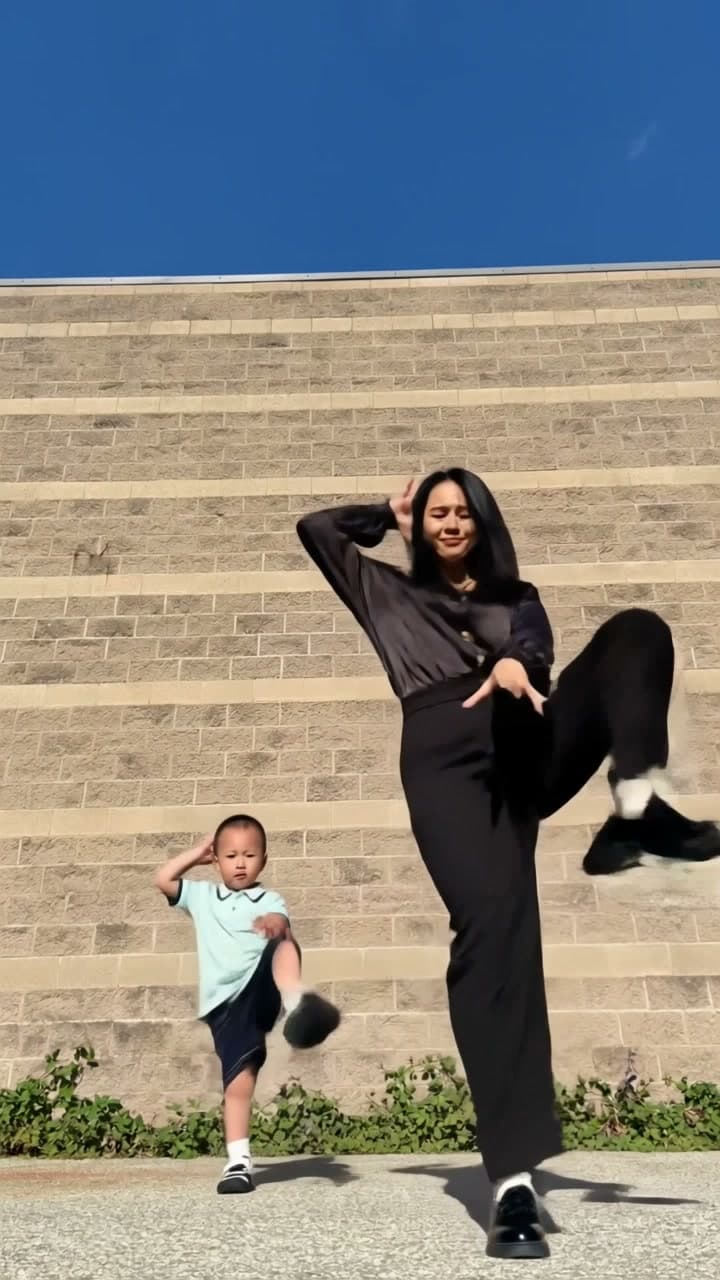
Barney Is a Dinosaur AI
Put two people into the Barney Is a Dinosaur dance. Add one photo for the front dancer and one for the back dancer, with your own outfits and the original sound.
View the template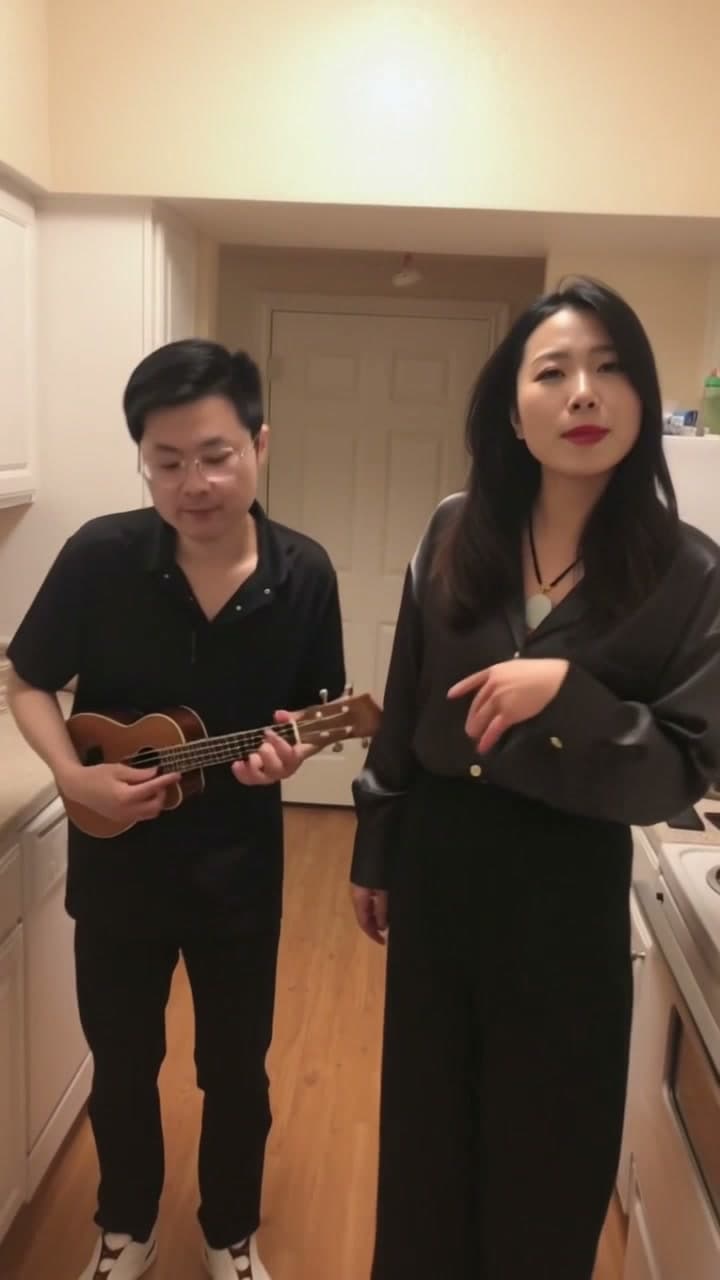
What You Want Me To Do AI
Put two different people into the What You Want Me To Do kitchen duet. One photo becomes the closer singer on the right. A second photo becomes the person playing ukulele on the left.
View the template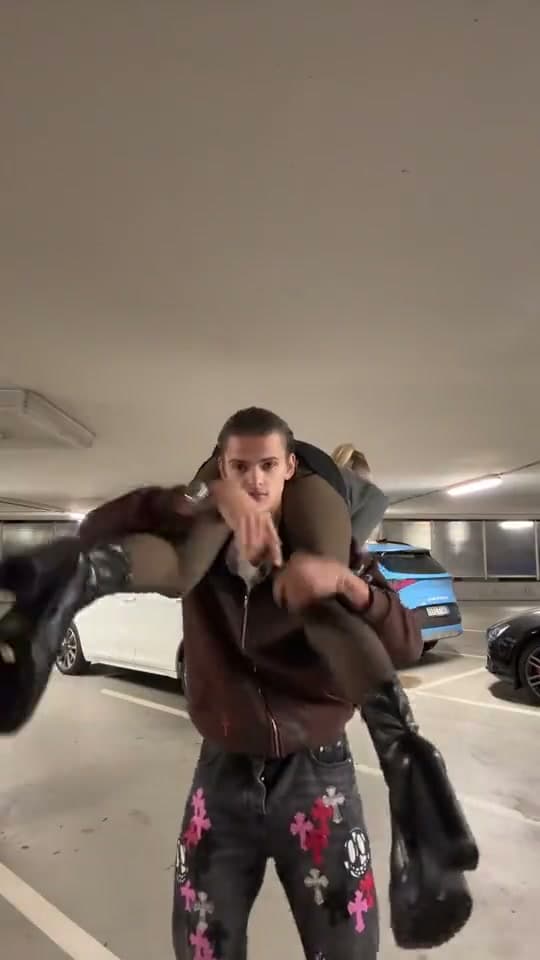
I'm the One: Shoulder Carry AI
Two people, one shoulder-carry turn. Choose who carries and who rides, then recreate the parking-garage scene with the original sound.
View the template