Dance
What You Want Me To Do AI
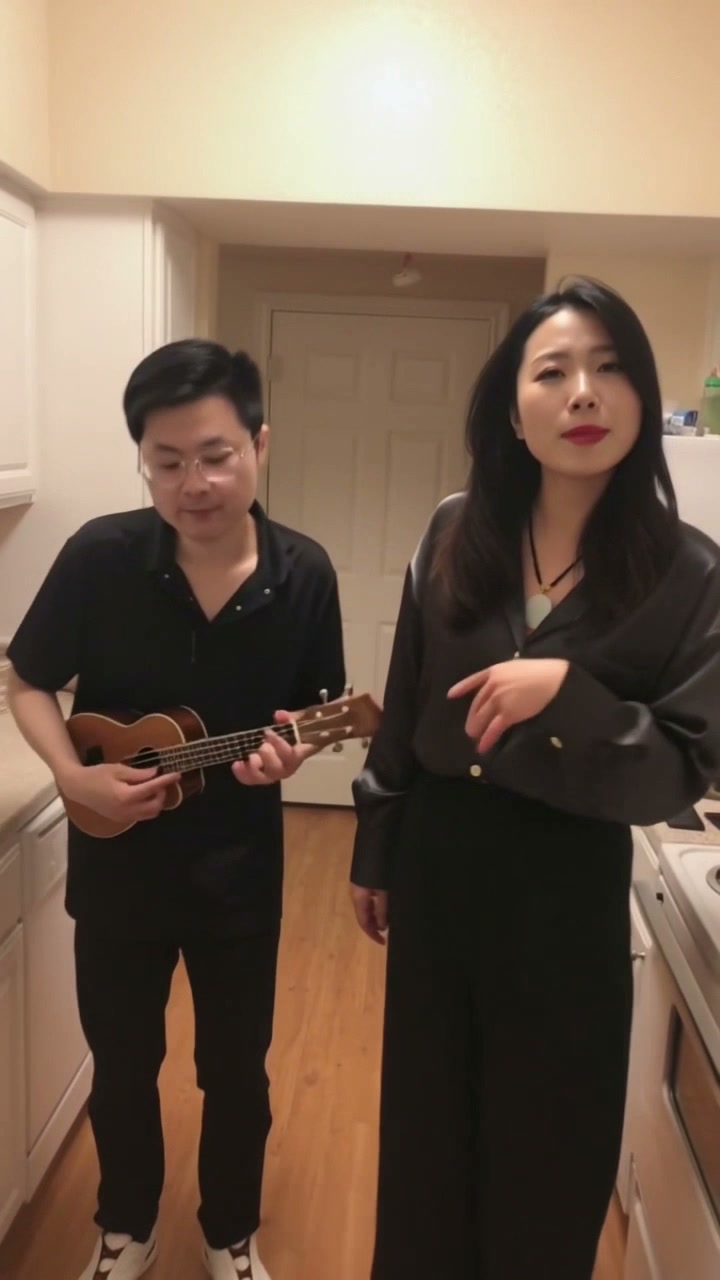
What You Want Me To Do AI turns two photos into a kitchen duet: the first photo replaces the closer singer and the second photo replaces the ukulele player. Kling 3.0 Omni makes the picture, and the finished video keeps the template's original soundtrack. A 10-second 720p vertical video costs 200 credits.
Your photosUse one photo for each person, not two photos of the same person or a group shot. The first photo replaces the closer singer on the right. The second photo replaces the ukulele player on the left. Use photos you have permission to use.
Generate this template
What You Want Me To Do AI music video: kitchen-duet preview. 10-second template preview. What You Want Me To Do AI music video preview of the Oouuh kitchen ukulele duet. The accepted example puts the woman in the black shirt on the closer singer and the man with glasses on the ukulele. The kitchen and the original soundtrack stay.
- Inputs
- person + person
- Photos
- 2 photos
- Pets
- People only
- Model
- Kling 3.0 Omni
- Audio
- Original scene audio
- Credits
- 200 per video credits
- Clip length
- 10 seconds
- Expected wait
- Varies with queue
A complete 10-second, 720p video costs 200 credits. Sign in with sufficient credits to generate.
Photo tips
Use one photo for each person, not two photos of the same person or a group shot. The first photo replaces the closer singer on the right. The second photo replaces the ukulele player on the left. Use photos you have permission to use.
Use even lighting and avoid heavy face filters. Use one separate photo per person.
How it works
Use two photos of two people
Upload one photo for the closer singer on the right and a different photo for the ukulele player on the left.
Do not upload two photos of the same person, a group photo, or your own video.
How it works
The kitchen scene stays fixed
The template uses one prepared 10-second kitchen clip. The singer stays on the right and the ukulele player stays on the left.
The ukulele and the original playing motion remain. Photograph backgrounds are left out.
How it works
The original soundtrack is restored
The picture model does not create a new soundtrack. The site attaches the template's original kitchen audio before delivery.
If that audio cannot be matched, the result is withheld and the credits are returned.
How it works
Likeness and clothing can vary
The result follows each photo's face, hair and visible outfit, but it is not a guaranteed copy.
Feet that are outside a photo are estimated. Fine details in the hands and the ukulele can vary.
How it works
Credits, refunds and download
Sign in and use 200 credits for one 720p vertical video. There is no free preview.
Follow the job in My videos. A successful file stays available for seven days, and a failed job is refunded once.
How it works
The story behind the meme
Read how the 2018 kitchen freestyle and the later remakes connect to this two-photo template.
How it works
Practical photo and video guides
Check the photo requirements, role order and result-review steps before creating your video.
From your photo to the scene
Make the moment yours.
Choose your photos
Use one photo for each person, not two photos of the same person or a group shot. The first photo replaces the closer singer on the right. The second photo replaces the ukulele player on the left. Use photos you have permission to use.
Make it happen
Check the requirements, confirm consent and press Generate. Follow the job status as your video is processed.
Keep your moment
When generation succeeds, download your result from its private link before the files are deleted.
Creator-tested template
Built and tested by a TikTok creator.
This scene was selected, tested and reviewed through the operator's own short-form creator workflow before publication. The checks cover movement, sound, identity replacement and whether the result is ready for a social post.
Approximately 2.9M followers is reported from an operator-provided TikTok profile capture checked 6 October 2026. It is not TikTok endorsement and does not guarantee reach or views.
Before you step in
A few things to know.
How do I make the What You Want Me To Do AI duet, and which photo goes first?
What You Want Me To Do AI turns two photos into a kitchen duet: the first photo replaces the closer singer and the second photo replaces the ukulele player. Kling 3.0 Omni makes the picture, and the finished video keeps the template's original soundtrack. A 10-second 720p vertical video costs 200 credits. Kling returns a silent picture. Before a download is offered, the site puts the original kitchen soundtrack back on that picture. If the soundtrack cannot be matched packet for packet, the video is not delivered and the credits are returned.
Which photo replaces which person?
The first photo replaces the closer singer on the right. The second photo replaces the ukulele player on the left. The two people are not swapped, and you cannot upload your own kitchen video.
How long is it and what does it cost?
It is about 10 seconds, 720p, and vertical 9:16. One video costs 200 credits. There is no free preview.
Will the face and clothes match my photos?
Each photo supplies that person's face, hair and the clothes visible in the photo. Likeness, hands and clothing can still vary. If a photo does not show the feet, the shoes are estimated. Glasses stay when the ukulele-player photo shows them.
What stays from the original clip?
The kitchen, camera, timing and ukulele playing motion stay. The ukulele stays in the player's hands. Backgrounds from the two photographs are not used.
What if generation fails?
The credits used for that job are returned once. The site does not automatically buy a second render. A finished video can be downloaded from My videos for seven days.
Last updated:
A photo. A scene. Your moment.
Keep the story going
Hot picks, then our 3 newest scenes, followed by lower-credit templates. Prices use the displayed clip length; model and people options can change the total.
Barney Is a Dinosaur AI
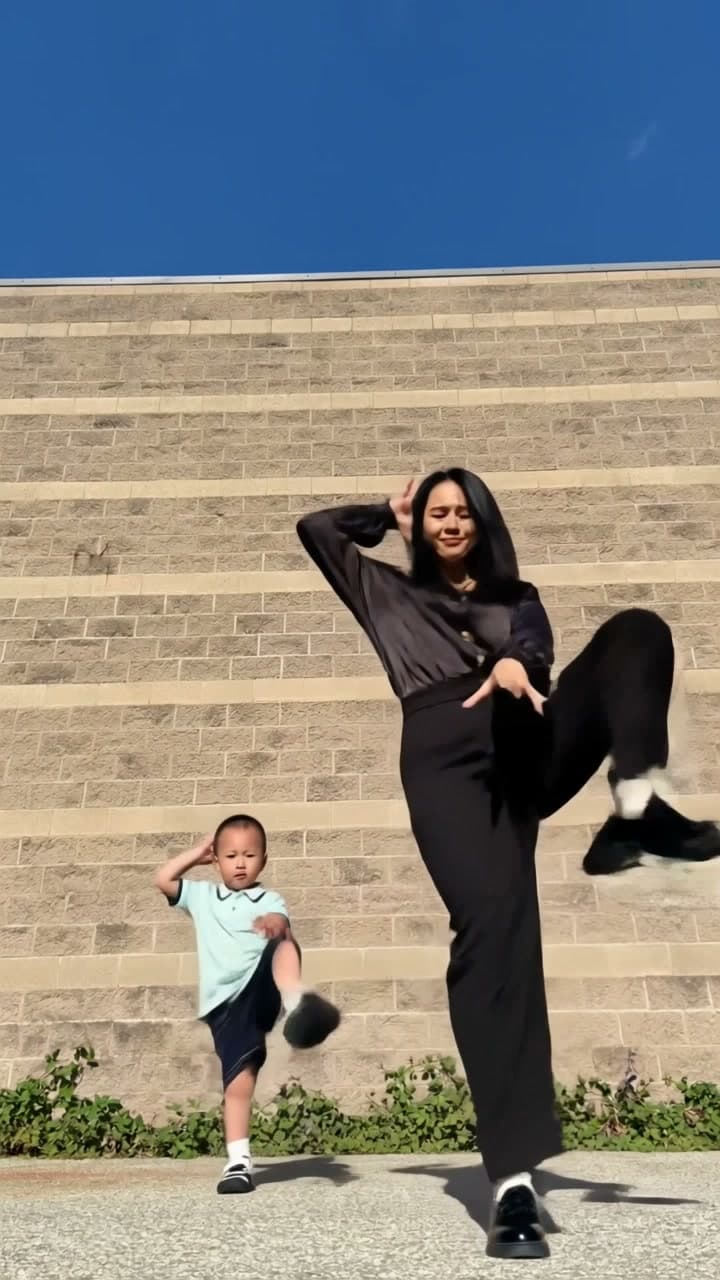
Put two people into the Barney Is a Dinosaur dance. Add one photo for the front dancer and one for the back dancer, with your own outfits and the original sound.
Bby Wow AI
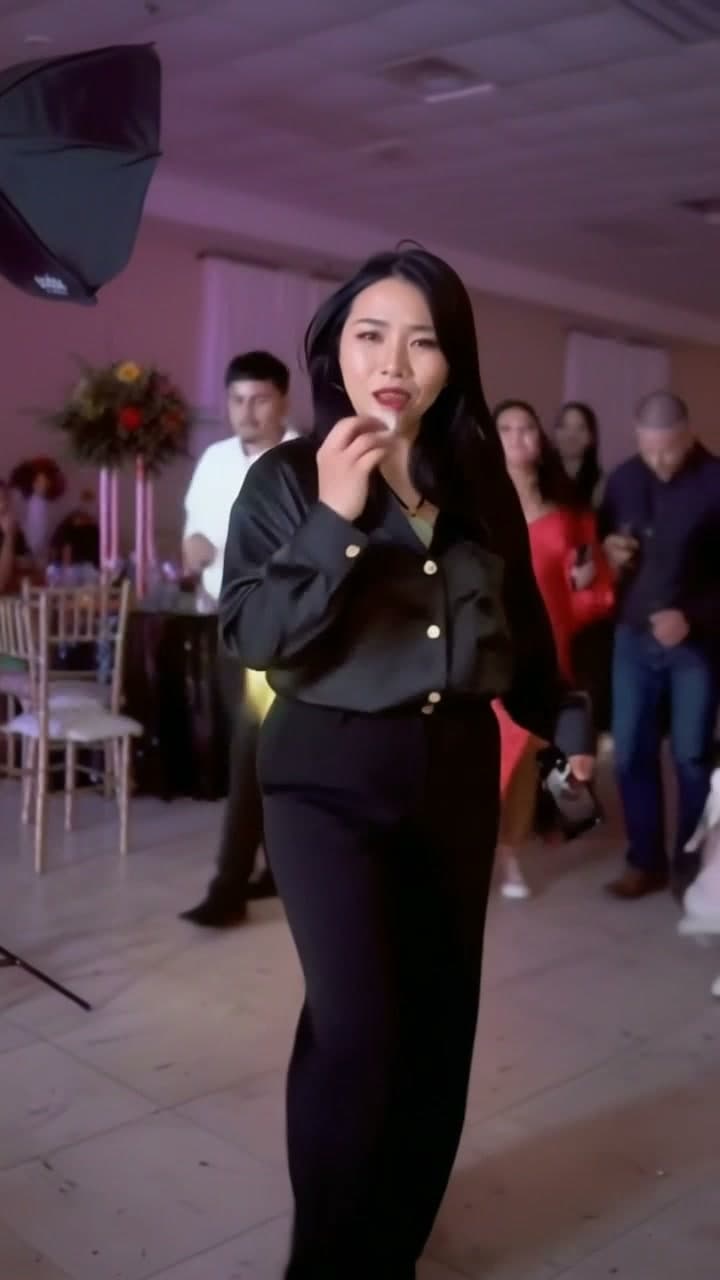
Make the Bby Wow party entrance yours. One photo puts your face and outfit into the Dime Dime Baby walk-in, stare and dance-away scene.
Charme Dance AI
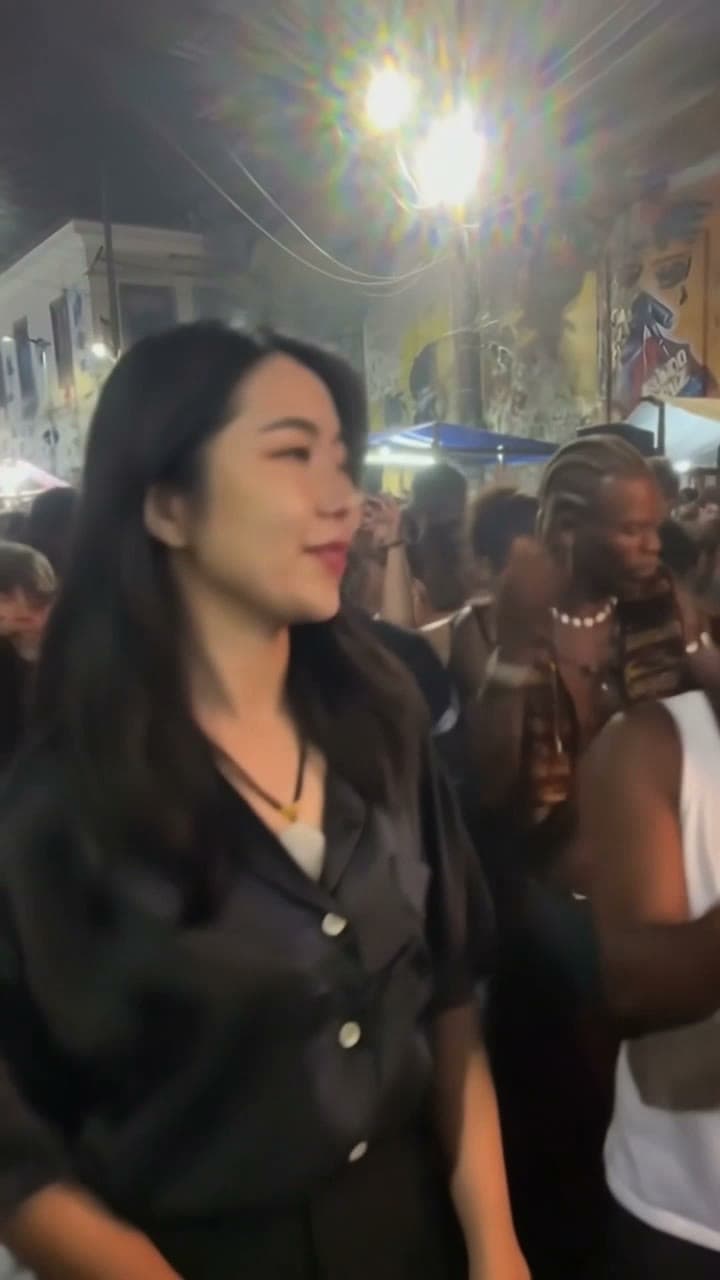
Put one adult into the baile charme street dance. Upload one photo; the prepared clip supplies the dance and the original sound.