Meme · Your next scene
Burning Bridges AI Video Template
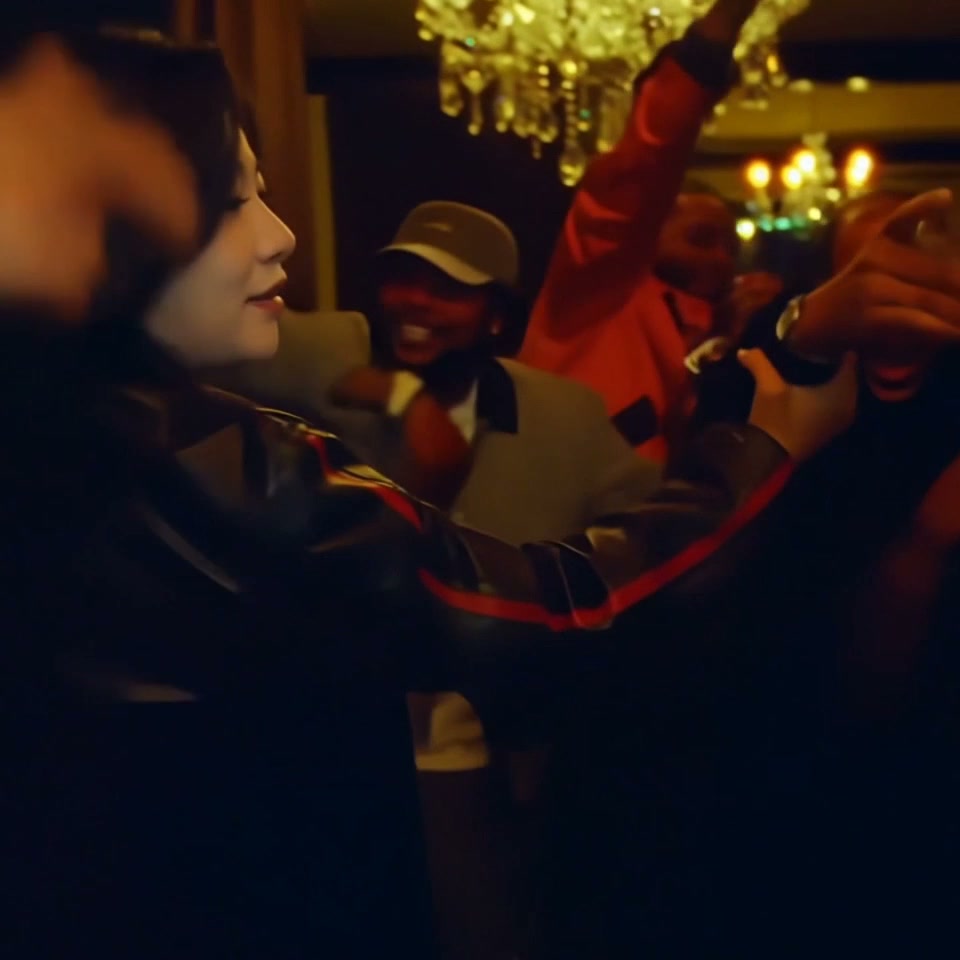
The Burning Bridges AI template puts one person from your photo into a prepared party performance. You replace the lead performer holding a silver cup, including the hand-over-face gestures and reveals. The template supplies the room, guests, movement and original sound, so you do not need to film yourself or upload a video.
10-second template preview. One-person replacement in the Burning Bridges party scene, including hand-over-face gestures and reveals, with the original scene sound. Facial and hand details can vary.
- Inputs
- person
- Photos
- 1 photo
- Pets
- People only
- Model
- Kling 3.0 Omni
- Audio
- Original scene audio
- Credits
- 200 per video credits
- Clip length
- 10 seconds
- Expected wait
- Varies with queue
A complete 10-second, 720p video costs 200 credits. Sign in with sufficient credits to generate.
A good photo makes the difference.
- Upload one clear portrait of the person you want in the lead role, with their permission. Use a visible face, even lighting and no heavy filters.
- Use even lighting and avoid heavy face filters.
Generate this template
Upload one clear portrait of the person you want in the lead role, with their permission. Use a visible face, even lighting and no heavy filters.
How it works
What is the Burning Bridges AI video?
This version is the party performance shown in the preview: a lead performer holds a silver cup, turns toward the camera and covers then reveals their face with expressive hand gestures. The AI version puts your chosen person into that lead role.
Only the lead performer is replaced. The other party guests keep their original identities, and the source scene supplies the jacket, room, camera movement and performance. Generated details can vary, so review faces, hands and the cup before sharing.
How it works
How to make a Burning Bridges AI video with your photo
Upload one clear portrait of the person you want in the scene, with their permission.
Review the Kling 3.0 Omni option, fixed 10-second square video and displayed total. Sign in with enough credits and generate.
Watch the result, including both face reveals, and download it from My videos before its displayed expiry.
How it works
Choose the main character's photo
Use one person with a clearly visible face, even lighting and natural facial detail. Avoid sunglasses, heavy blur, filters or objects covering the face. No second person's photo or source video is needed.
The photo supplies the person's identity and hair. The prepared scene supplies the black jacket with red sleeve stripes and the performance. Facial details can vary; this template does not promise perfect likeness for every photo.
How it works
Video length, original sound and credits
This template creates one 10-second square 1:1 video at 720p with the original audio from the same scene segment. It uses Kling 3.0 Omni and does not offer a free preview.
One complete video costs 200 credits, including the fixed scene input. Generation time varies with the queue.
How it works
Find your finished video
After the upload is confirmed, you can leave and return through My videos in the original account. You can also confirm an optional email address for a private collection link. Download before the expiry shown with your result.
From your photo to the scene
Make the moment yours.
Choose your photos
Upload one clear portrait of the person you want in the lead role, with their permission. Use a visible face, even lighting and no heavy filters.
Make it happen
Check the requirements, confirm consent and press Generate. Follow the job status as your video is processed.
Keep your moment
When generation succeeds, download your result from its private link before the files are deleted.
Creator-tested template
Built and tested by a TikTok creator.
This scene was selected, tested and reviewed through the operator's own short-form creator workflow before publication. The checks cover movement, sound, identity replacement and whether the result is ready for a social post.
Approximately 2.9M followers is reported from an operator-provided TikTok profile capture checked 6 October 2026. It is not TikTok endorsement and does not guarantee reach or views.
Before you step in
A few things to know.
How do I make a Burning Bridges AI video with my photo?
Upload one clear portrait, review the fixed video and credit cost, then generate. The prepared template supplies the party scene and performance, so no filming or video upload is needed.
How many photos do I need, and who is replaced?
One photo of one person. It replaces the lead performer holding the silver cup; it does not replace the other party guests.
Will my face stay the same after the hand-over-face gestures?
The template is designed to keep the same person through both reveals. AI results can vary, so review each reveal, the hands and the cup before sharing. Exact likeness is not guaranteed.
How long is the video, and does it keep the original sound?
The finished video is 10 seconds in square 1:1 format at 720p, with the original sound from the matching scene segment.
Which model is used, and what does it cost?
Kling 3.0 Omni. One complete video costs 200 credits, including the fixed scene input. This template has no free preview and requires sign-in with enough credits.
Can I leave while it generates, and what happens if it fails?
After your upload is confirmed, return through My videos in the original account. Failed jobs refund their credits; the system does not automatically purchase another model. Download a successful result before its displayed expiry.
Last updated:
A photo. A scene. Your moment.
Keep the story going
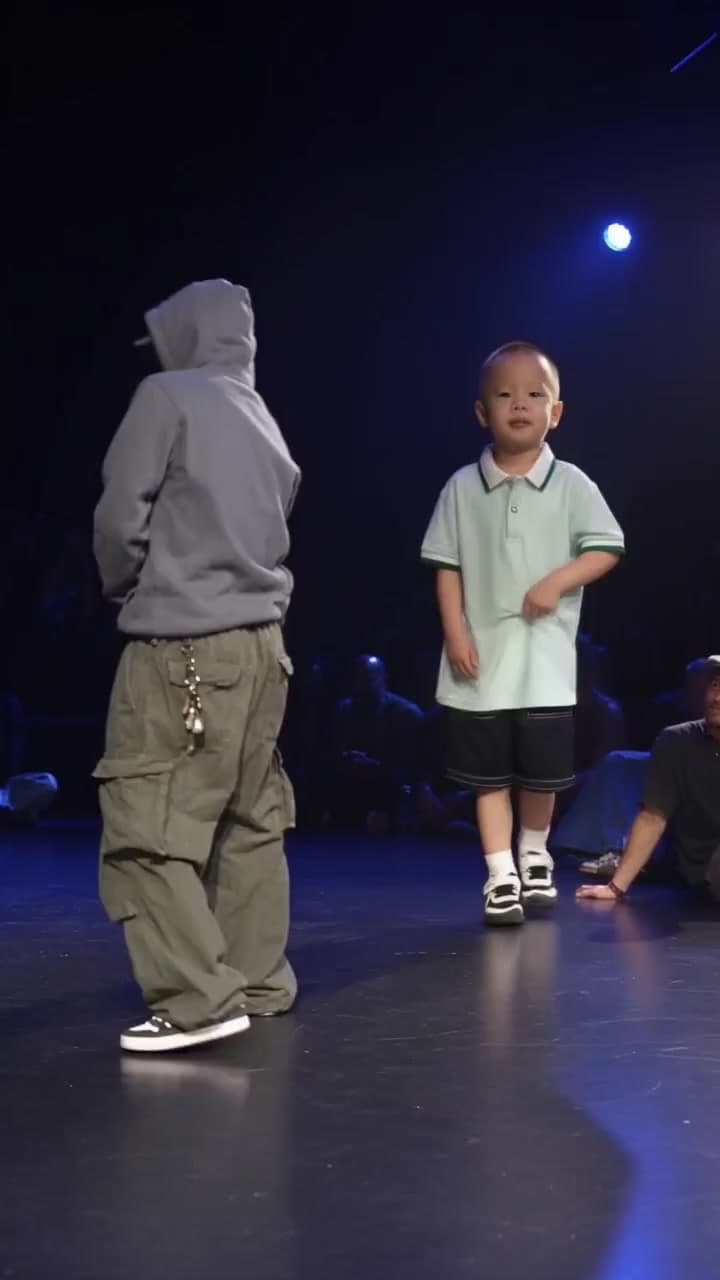
Gang Gang Dance AI Template
Become the lead dancer on a blue-lit stage from one portrait, with choreography supplied by the template.
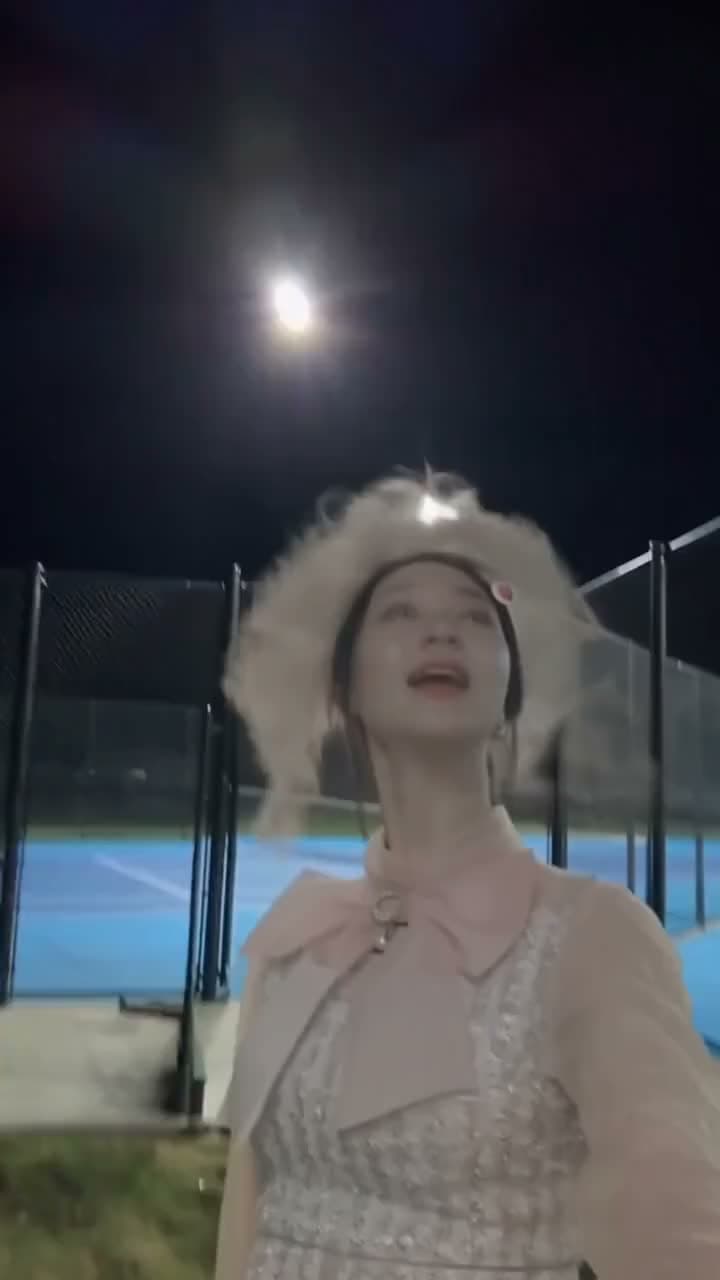
I See You Winding and Grinding AI Trend Template
Put your own photo in a Jean Phil-style singing selfie, preserving the source camera movement and performance.
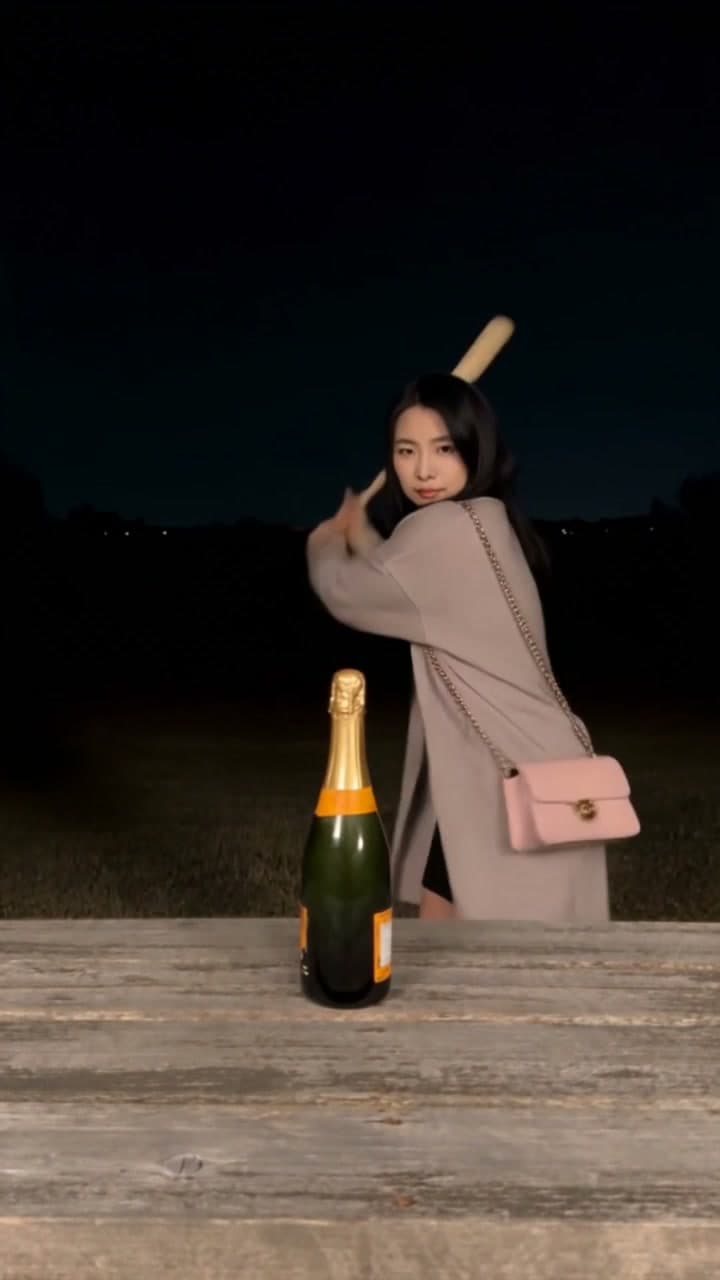
Champagne Birthday AI Video: Bat Smash Template
Upload one clear photo to join a champagne bat-smash celebration at a wooden table at night, ending with a black-and-white spray. Choose Kling 3.0 Omni or Wan 2.2 for a 10-second vertical video with the original sound.