Meme
Crowd Walk AI
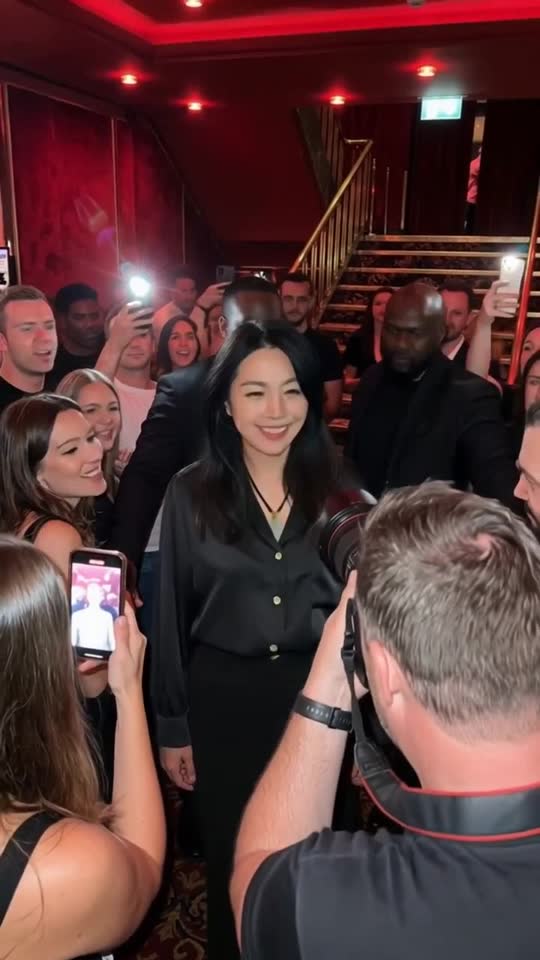
Crowd Walk AI turns one photo of an adult into a 15-second vertical video of a celebrity-style entrance through a red club foyer. Only the main walking adult changes; fans, photographers and security staff stay as they are. Kling 3.0 Omni generates the picture at 720p, the original scene soundtrack is restored, and one video costs 350 site credits.
Your photosUse one clear photo of a single adult from the chest or waist up, at least 300 × 300 pixels. Keep the eyes, hairline and some of the side of the face visible. Avoid group photos, filters, sunglasses and tight face crops. Use a photo you have permission to use.
Generate this template
Crowd Walk AI: celebrity entrance sample. 15-second template preview. AI Video Swap sample made from our official adult model photo, with the original soundtrack. Fans, the photographer and security staff are unchanged. In this sample the lead wears the clothes from the model photo rather than the grey suit from the source scene. It is one sample, not a guarantee of how every photo will look; faces can soften during phone flashes and when the camera passes in front.
- Inputs
- person
- Photos
- 1 photo
- Pets
- People only
- Model
- Kling 3.0 Omni
- Audio
- Original scene audio
- Credits
- 350 per video credits
- Clip length
- 15 seconds
- Expected wait
- Varies with queue
A complete 15-second, 720p video costs 350 credits. Sign in with sufficient credits to generate.
Photo tips
Use one clear photo of a single adult from the chest or waist up, at least 300 × 300 pixels. Keep the eyes, hairline and some of the side of the face visible. Avoid group photos, filters, sunglasses and tight face crops. Use a photo you have permission to use.
Use even lighting and avoid heavy face filters. Use one separate photo per person.
How it works
Make a Crowd Walk AI video
Upload one clear photo of a single adult, check the 350-credit quote and generate. The prepared foyer scene supplies the walk, the crowd, the camera movement and the soundtrack; you do not film anything.
The server makes a closer crop of the same photo and sends both to the model, so a photo with a clear face and hairline works best.
How it works
Who changes and what stays
Only the main adult walking through the foyer is replaced. Fans, phones, the photographer and the security staff are part of the scene and are not changed.
Do not count on keeping either the grey suit from the scene or the clothes from your photo. In our sample the lead wears the clothes from the model photo. Phone flashes, a camera passing in front of the face and quick head turns are where likeness is hardest to hold.
How it works
Length, model, sound and total price
Each complete result is about 15 seconds (15.04 seconds, 361 frames) in vertical 9:16 at 720 × 1280 using Kling 3.0 Omni. The original scene soundtrack is restored; no new audio is generated.
One video costs 350 site credits, including the fixed scene. There is no free preview and no automatic fallback to another paid model.
How it works
Find your private result
After the provider accepts the job, follow progress in My videos in the same account. You can leave the page while it runs. Successful results remain available for seven days.
Failed jobs follow the existing once-only refund rules; an interrupted provider response does not trigger another paid submission.
How it works
Plan the photo first
Read the guide for photo choices, who changes in the scene and caption ideas before you spend credits.
From your photo to the scene
Make the moment yours.
Choose your photos
Use one clear photo of a single adult from the chest or waist up, at least 300 × 300 pixels. Keep the eyes, hairline and some of the side of the face visible. Avoid group photos, filters, sunglasses and tight face crops. Use a photo you have permission to use.
Make it happen
Check the requirements, confirm consent and press Generate. Follow the job status as your video is processed.
Keep your moment
When generation succeeds, download your result from its private link before the files are deleted.
About this new scene
The preview is a site-generated sample made from our official adult model photo with this scene's fixed workflow. Your result depends on your photo; identity, hair and movement are not guaranteed to match it exactly.
Before you step in
A few things to know.
How do I make a Crowd Walk AI video from one photo?
Upload one clear photo of a single adult on this page, confirm the 350-credit quote and generate. The prepared scene supplies the foyer, the crowd and the original soundtrack; the result is a 15-second vertical 720p video made with Kling 3.0 Omni.
Which photo works best?
One adult from the chest or waist up, with the eyes, hairline and some of the side of the face visible, at least 300 × 300 pixels. Avoid group photos, sunglasses, heavy filters and tight face crops.
Who changes in the scene?
Only the main adult walking through the foyer. Fans, photographers and security staff stay as they are and are not replaced.
Will my outfit or the grey suit be kept?
Neither is guaranteed. In our sample the lead wears the clothes from the model photo rather than the grey suit. Face detail can also soften during phone flashes and when the camera passes in front.
How long is it and what does it cost?
About 15 seconds (15.04 seconds) in vertical 9:16 at 720 × 1280, with the original soundtrack. One video costs 350 site credits. This template has no free preview.
Is this the CapCut Crowd Walk template or a real celebrity?
No. Similar names appear in several apps; this template runs on AI Video Swap and is not affiliated with CapCut or the source site. The person in our sample is our official model, not a celebrity.
Last updated:
A photo. A scene. Your moment.
Keep the story going
Hot picks, then our 3 newest scenes, followed by lower-credit templates. Prices use the displayed clip length; model and people options can change the total.
Bicep Heart AI Video Generator
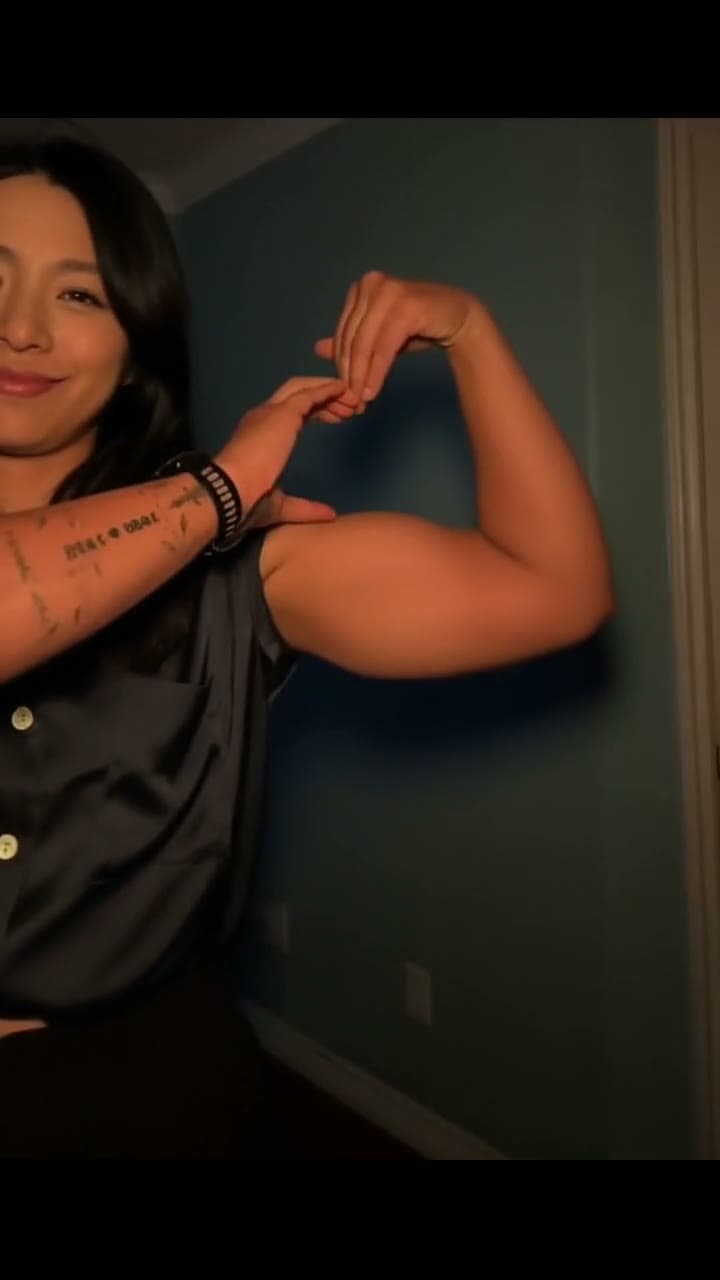
Turn one adult photo into the flex-and-heart trend. A 7-second video with your visible outfit and the original soundtrack.
Bby Wow AI
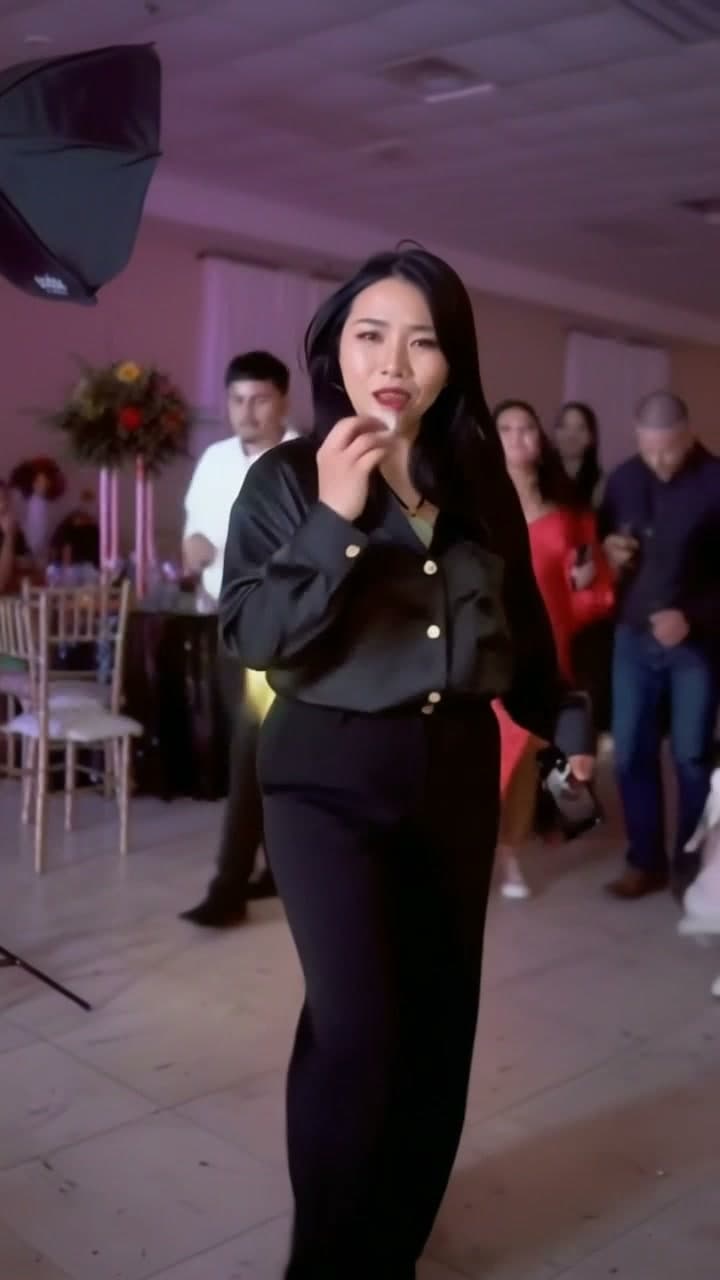
Make the Bby Wow party entrance yours. One photo puts your face and outfit into the Dime Dime Baby walk-in, stare and dance-away scene.