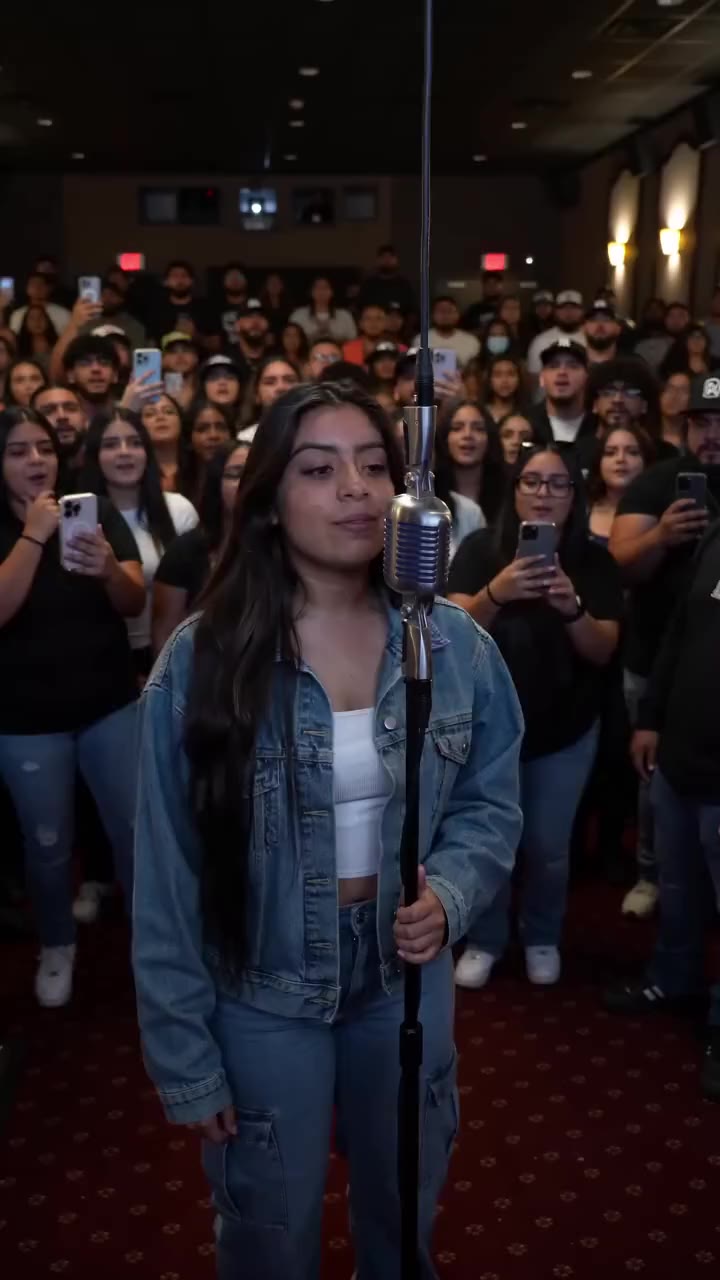
Meme
Give It All AI
Give It All uses one photo of one adult for a fixed 10-second vertical 720p video. It costs 350 site credits and keeps the soundtrack from the selected scene. The displayed video is an external scene reference, not a result generated by AI Video Swap.
Your photosUse one clear photo of one adult, waist-up or full body, with the face easy to see. The face, hair and clothing in the photo are what move into the scene. Do not use a group photo, sunglasses, a covered face, a child or a public figure.
Generate this template
Give It All AI: external hanging-mic reference. 10-second template preview. The preview is the selected external hanging-mic scene. It is not an AI Video Swap generation and is not a promise of likeness or picture quality. View original source ↗
- Inputs
- One adult, identity and outfit
- Photos
- 1 photo
- Pets
- People only
- Model
- Kling 3.0 Omni
- Audio
- Original scene audio
- Credits
- 350 per video credits
- Clip length
- 10 seconds
- Expected wait
- Varies with queue
A complete 10-second, 720p video costs 350 credits. Sign in with sufficient credits to generate.
Photo tips
Use one clear photo of one adult, waist-up or full body, with the face easy to see. The face, hair and clothing in the photo are what move into the scene. Do not use a group photo, sunglasses, a covered face, a child or a public figure.
Use even lighting and avoid heavy face filters. Use one clear adult photo, waist-up or full body, with the face visible.
How it works
What you supply
One photo of one adult. The face, hair and clothing come from that photo. A second person, a child or a pet is not part of this template.
How it works
What stays in the scene
The hanging microphone, the lobby and the crowd stay in the scene. The shot stays one continuous vertical take of about 10 seconds.
How it works
Sound and price
The soundtrack follows the selected scene. One video costs 350 credits. Generation is open without a separate paid sample on file.
How it works
What this is not
This is not the hotel-lobby duo and not the three-angle street freestyle. It is one person at one hanging microphone.
How it works
Plan the photo first
The guide covers the one-photo checklist, the 350-credit price, and how this scene differs from the two-person hotel lobby and the three-angle street freestyle.
From your photo to the scene
Make the moment yours.
Choose your photos
Use one clear photo of one adult, waist-up or full body, with the face easy to see. The face, hair and clothing in the photo are what move into the scene. Do not use a group photo, sunglasses, a covered face, a child or a public figure.
Make it happen
Check the requirements, confirm consent and press Generate. Follow the job status as your video is processed.
Keep your moment
When generation succeeds, download your result from its private link before the files are deleted.
About this new scene
The preview is an external reference. No site-generated sample is available yet; identity, clothing and movement quality have not been verified in a real generation for this scene.
Before you step in
A few things to know.
How many photos does Give It All use?
One photo of one adult, waist-up or full body, with the face clearly visible.
What changes in the video?
The face, hair and clothing come from your photo. The microphone, lobby and crowd stay in the scene.
How long is the video and what does it cost?
About 10 seconds, vertical 720p, for 350 credits.
Does the video keep the scene sound?
Yes. The soundtrack follows the selected scene. A new track is not made for this template.
Is the preview a generated result?
No. The preview is the external scene reference. It is not an AI Video Swap generation and does not promise likeness or picture quality.
Can I use two people or a pet?
No. This version is one adult only.
Last updated:
A photo. A scene. Your moment.
Keep the story going
Hot picks, then our 3 newest scenes, followed by lower-credit templates. Prices use the displayed clip length; model and people options can change the total.
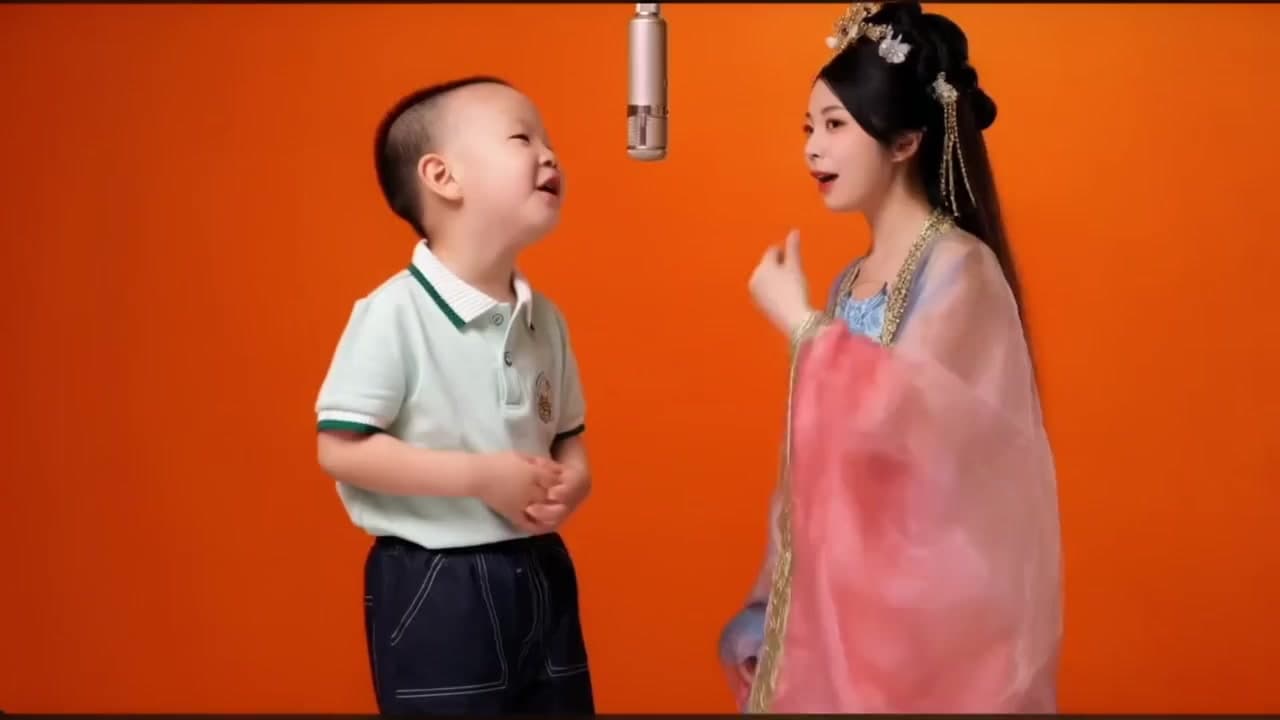
Hotel Lobby AI Template
Make a Hotel Lobby AI rap video from two portraits in the orange hanging-microphone scene. Choose one photo for each performer.
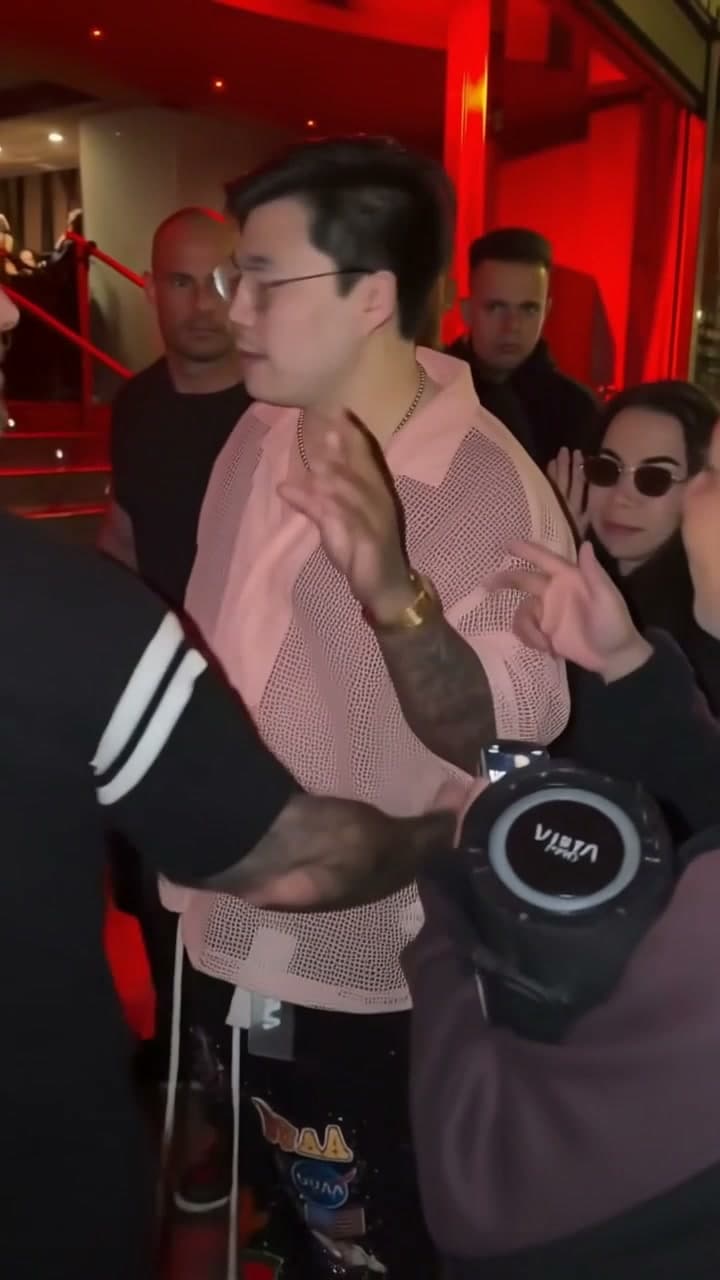
Bulin 47
Create a Bulin 47 (Bulin47) AI face swap in the prepared street freestyle. Add front, left and right photos of the same adult for a 10-second video with original sound.