Meme
Passenger Princess
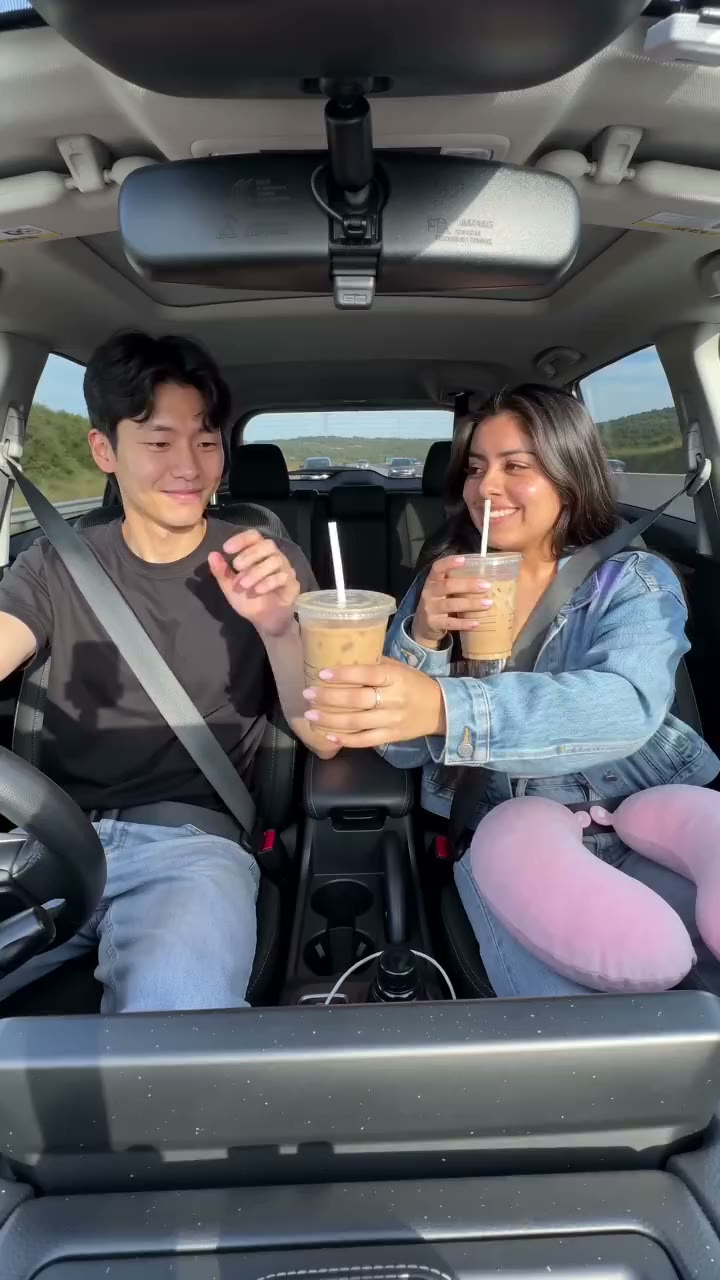
Passenger Princess uses two adult photos for a 10-second vertical 720p video. It costs 200 site credits and keeps the selected scene’s soundtrack. The preview is an external scene reference.
Your photosUpload a clear, waist-up photo of a different adult for each seat. Put the passenger first and the driver second. Use evenly lit photos with one visible face each.
Generate this template
Passenger Princess external scene reference. 10-second template preview. The preview shows the selected external front-seat scene. View original source ↗
- Inputs
- person + person
- Photos
- 2 photos
- Pets
- People only
- Model
- Kling 3.0 Omni
- Audio
- Original scene audio
- Credits
- 200 per video credits
- Clip length
- 10 seconds
- Expected wait
- Varies with queue
A complete 10-second, 720p video costs 200 credits. Sign in with sufficient credits to generate.
Photo tips
Upload a clear, waist-up photo of a different adult for each seat. Put the passenger first and the driver second. Use evenly lit photos with one visible face each.
Use even lighting and avoid heavy face filters. Use two clear adult photos, one person each, waist-up, with both faces visible. The matching pajamas stay with the scene.
Guides
How it works
Photo order
The first adult is the passenger. The second adult is the driver.
How it works
The fixed scene
The dashboard camera, car interior, props and original audio stay with the scene.
From your photo to the scene
Make the moment yours.
Choose your photos
Upload a clear, waist-up photo of a different adult for each seat. Put the passenger first and the driver second. Use evenly lit photos with one visible face each.
Make it happen
Check the requirements, confirm consent and press Generate. Follow the job status as your video is processed.
Keep your moment
When generation succeeds, download your result from its private link before the files are deleted.
About this new scene
The preview is an external reference. No site-generated sample is available yet; identity, clothing and movement quality have not been verified in a real generation for this scene.
Before you step in
A few things to know.
How many photos does Passenger Princess need?
Two. Use a separate photo of a different adult for each seat.
How long is the video and what does it cost?
10 seconds, vertical 720p, for 200 site credits.
Does the video retain the scene audio?
Yes. It uses the original scene soundtrack.
What happens in the scene?
The passenger settles in with an iced coffee, a neck pillow and a blanket while the driver watches the road.
Where do the faces in the preview come from?
The preview is a third-party scene reference. Your photos supply the faces when you generate your own video.
Last updated:
A photo. A scene. Your moment.
Keep the story going
Hot picks, then our 3 newest scenes, followed by lower-credit templates. Prices use the displayed clip length; model and people options can change the total.
Hit the Road Dude AI Meme Template
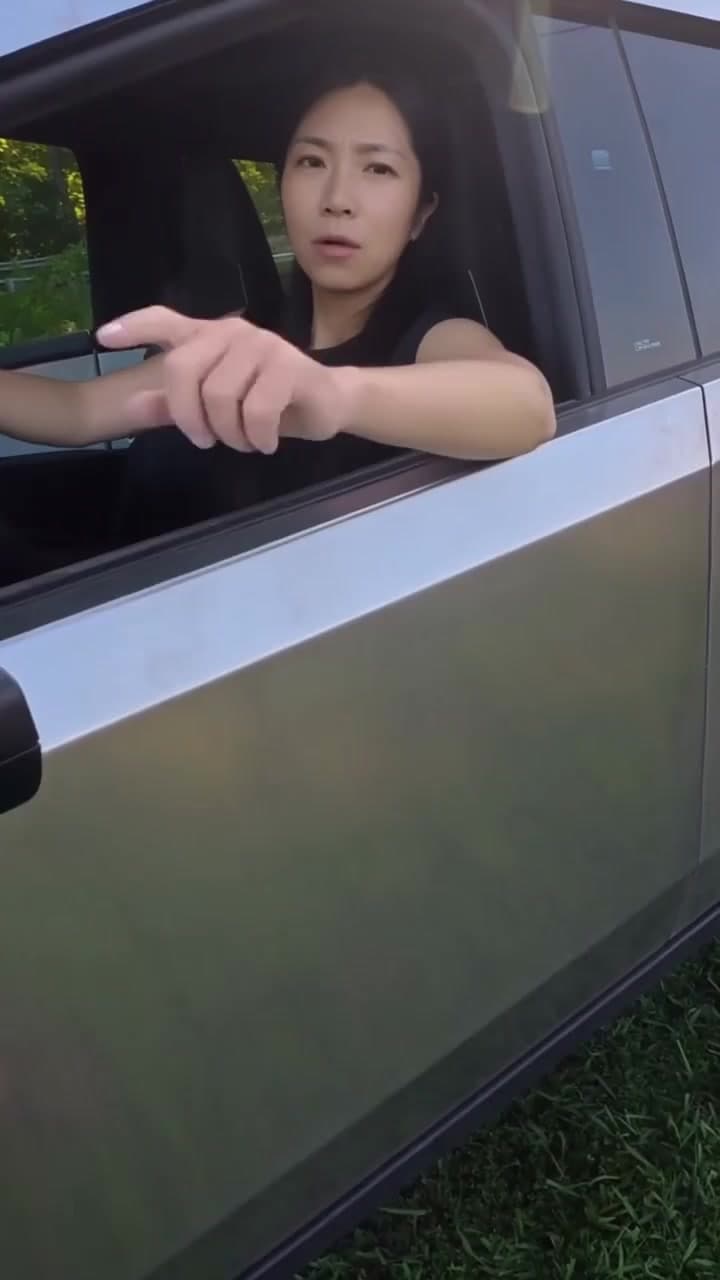
Take the driver's role in the 'this is private property' meme scene from one portrait.
Kiss Cam AI
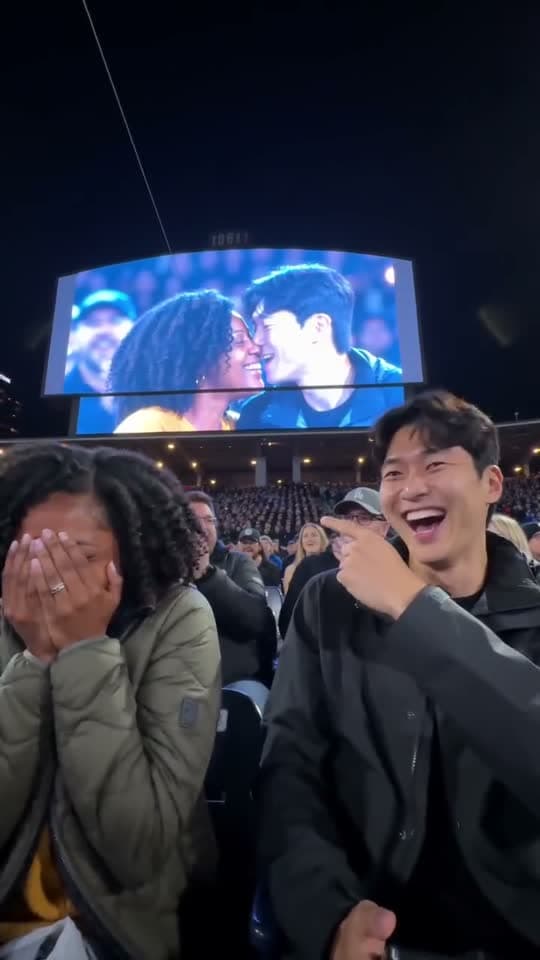
Two adult photos become the pair caught on a stadium screen. The stands, screen, crowd and soundtrack stay with the scene.