Dance
Pick It Up Dance AI
Pick It Up Dance uses one photo of one adult for a fixed 14-second vertical 720p video. It costs 280 site credits and retains the prepared scene soundtrack. The displayed video is an external scene reference, not a result generated by AI Video Swap.
Your photosUpload one sharp full-body photograph of one adult. Keep the head, hands, outfit and feet visible, with space around the body. No group photo or second person.
Generate this template
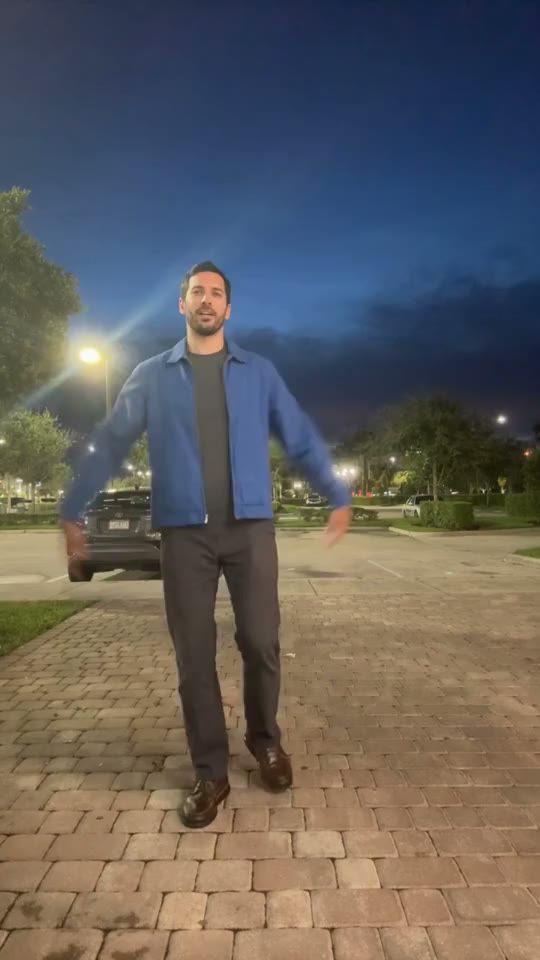
Pick It Up Make It Jump AI dance: external scene reference. 14-second template preview. Pick It Up Make It Jump dance reference with an overhead hand raise, lowered pose and jump. External scene reference from EasyVideoAI; not an AI Video Swap generated result. Your appearance, clothing and motion may vary. View original source ↗
- Inputs
- One adult, identity and outfit
- Photos
- 1 photo
- Pets
- People only
- Model
- Kling 3.0 Omni
- Audio
- Original scene audio
- Credits
- 280 per video credits
- Clip length
- 14 seconds
- Expected wait
- Varies with queue
A complete 14-second, 720p video costs 280 credits. Sign in with sufficient credits to generate.
Photo tips
Upload one sharp full-body photograph of one adult. Keep the head, hands, outfit and feet visible, with space around the body. No group photo or second person.
Use even lighting and avoid heavy face filters. Use one clear, full-body photo of a single adult with the face and complete outfit visible.
How it works
Choose your moment
Turn one full-body photo into the plaza dance: arms up, drop low, jump.
Try a birthday dance reveal or a deadpan “me after one productive morning” caption. Add text after downloading; the template does not create captions.
How it works
Start with the right photograph
Upload one sharp full-body photograph of one adult. Keep the head, hands, outfit and feet visible, with space around the body. No group photo or second person.
Watch the reference before spending credits. Likeness and clothing are not guaranteed to match perfectly.
How it works
One scene, 280 credits
14 seconds, vertical 9:16, 720p and the original prepared soundtrack. You upload only the photo; the scene is included.
No custom lyrics, no replacement song and no extra scene picker are offered.
How it works
Plan, generate and keep your result
Sign in, upload your photo, check the fixed quote and submit once. My videos keeps the task available while it runs. Download successful videos within seven days.
From your photo to the scene
Make the moment yours.
Choose your photos
Upload one sharp full-body photograph of one adult. Keep the head, hands, outfit and feet visible, with space around the body. No group photo or second person.
Make it happen
Check the requirements, confirm consent and press Generate. Follow the job status as your video is processed.
Keep your moment
When generation succeeds, download your result from its private link before the files are deleted.
About this new scene
The preview is an external reference. No site-generated sample is available yet; identity, clothing and movement quality have not been verified in a real generation for this scene.
Before you step in
A few things to know.
How do I make the Pick It Up Make It Jump AI dance from one full-body photo?
Pick It Up Dance uses one photo of one adult for a fixed 14-second vertical 720p video. It costs 280 site credits and retains the prepared scene soundtrack. The displayed video is an external scene reference, not a result generated by AI Video Swap. Upload one sharp full-body photograph of one adult. Keep the head, hands, outfit and feet visible, with space around the body. No group photo or second person.
How long is it and what does it cost?
A fixed 14-second, 720p, vertical 9:16 video costs 280 site credits. This template has no free generation preview. The site trial remains available only on eligible templates before the first successful payment.
Can I change the song or choreography?
The scene, performance and soundtrack are fixed. This is a photo replacement template, not a text-to-video editor, custom-song lip-sync tool or voice-cloning service.
Is the displayed video a result made by this website?
No. It is an external scene reference from EasyVideoAI, shared here to show the scene and its timing. New outputs can differ in face, clothing and movement.
Where will my result appear?
Use My videos on the same account to follow the task and download a successful result within seven days. If your balance is too low, the upgrade link takes you to Pricing and retains the route back to this template.
What if the task fails?
A failed task follows the existing once-only credit refund. An uncertain task is checked against its saved provider receipt; it is not automatically purchased again.
Last updated:
A photo. A scene. Your moment.
Keep the story going
Hot picks, then our 3 newest scenes, followed by lower-credit templates. Prices use the displayed clip length; model and people options can change the total.
Charme Dance AI
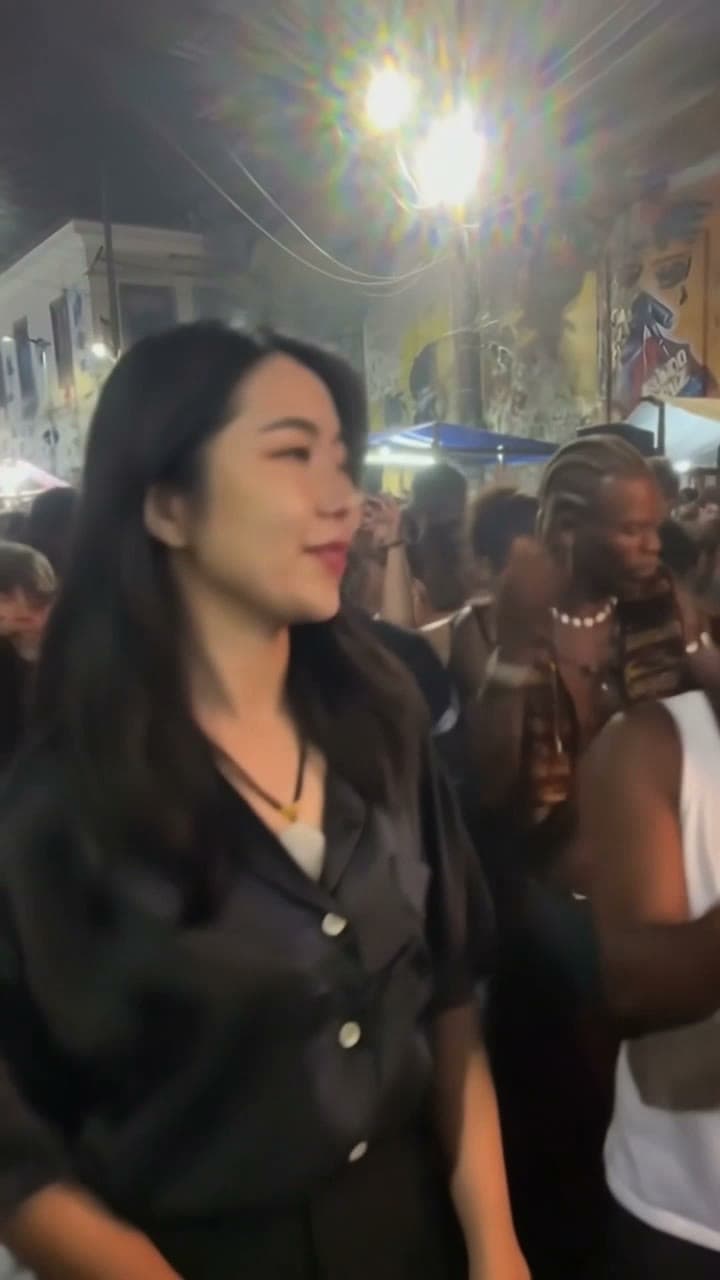
Put one adult into the baile charme street dance. Upload one photo; the prepared clip supplies the dance and the original sound.
Toc Toc Dance AI
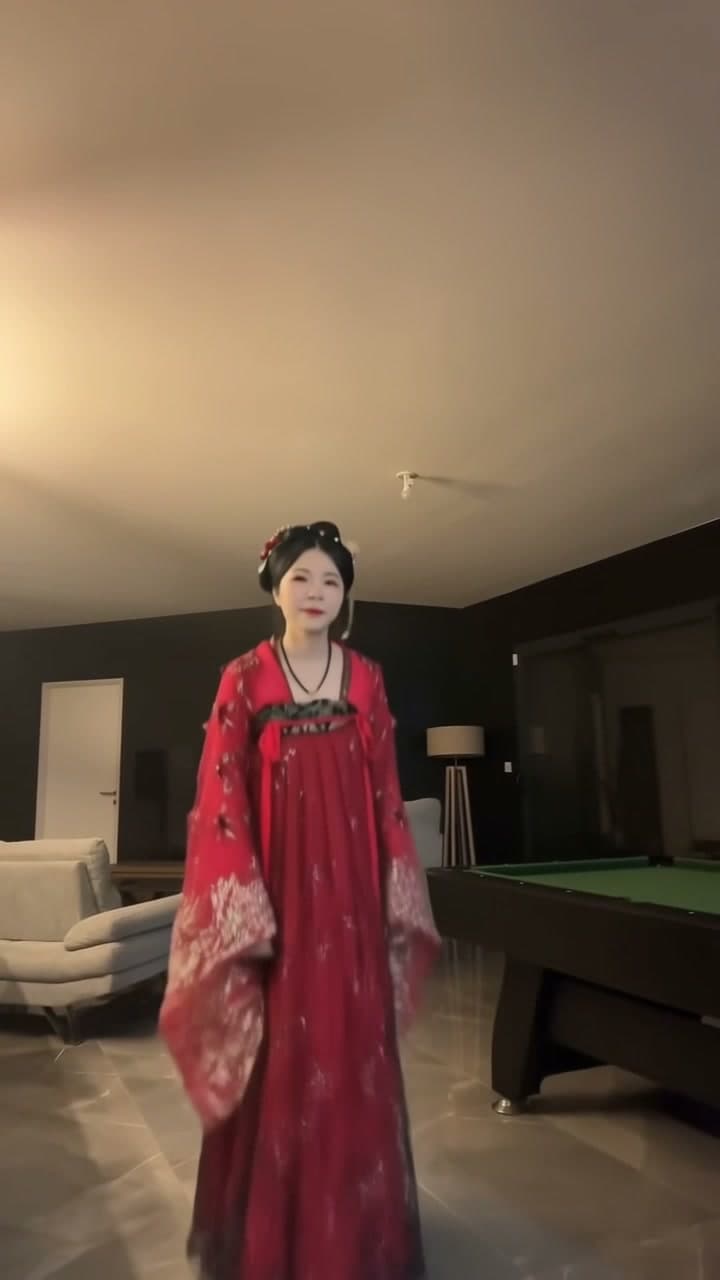
Step into the Toc Toc dance with your own look. Upload one full-body photo of yourself for a 10-second dance video with the original sound.