Two Person · Your next scene
Zombie AI Trend Video Generator
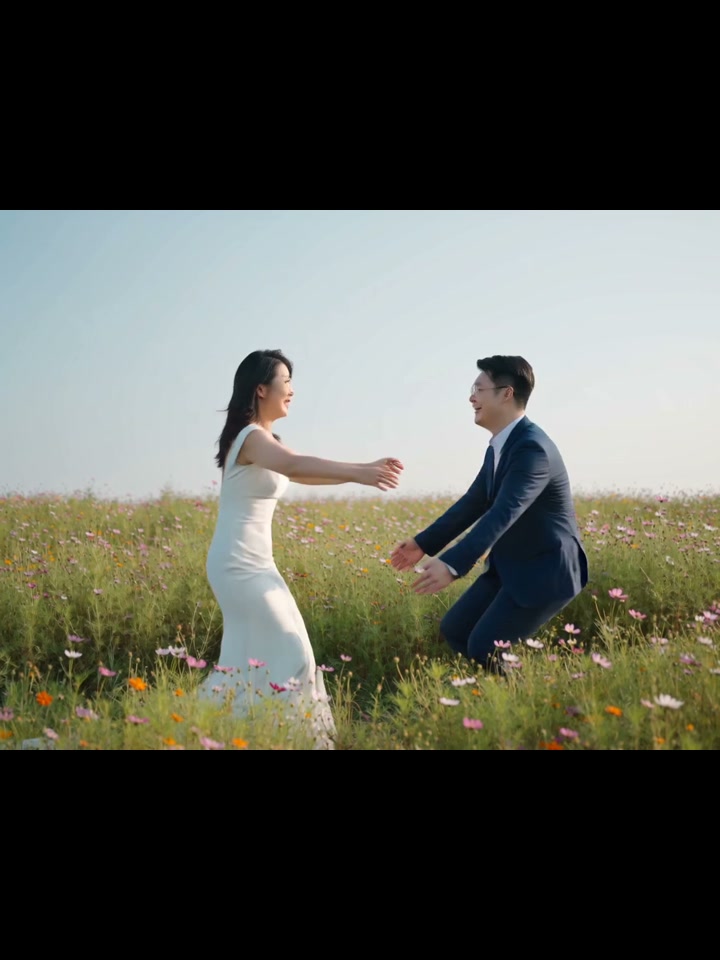
The Zombie AI trend turns two portraits into a short story that moves from a tense zombie encounter to a warm reunion. Photo 1 plays the survivor; photo 2 becomes the zombie partner and returns as the same person in the sunlit embrace. This template creates one 12-second video with the original scene audio.
12-second template preview. An approved two-person example: a dark-room zombie encounter followed by a sunlit reunion, with the original scene audio.
- Inputs
- person + person
- Photos
- 2 photos
- Pets
- People only
- Model
- Seedance 2.0
- Audio
- Original scene audio
- Credits
- 614 per video credits
- Clip length
- 12 seconds
- Expected wait
- Varies with queue
A complete 12-second, 720p video costs 614 credits. Sign in with sufficient credits to generate.
A good photo makes the difference.
- Upload one clear adult portrait per role, with a visible face and even lighting. Avoid group photos, sunglasses and heavy filters. Check the survivor and zombie partner order.
- Use even lighting and avoid heavy face filters.
- For two people, use one separate photo per person.
Generate this template
Upload one clear adult portrait per role, with a visible face and even lighting. Avoid group photos, sunglasses and heavy filters. Check the survivor and zombie partner order.
How it works
What is the AI zombie trend?
One person faces a zombie version of their partner in a dark room, and the story cuts to the same two people embracing in sunlight. The contrast between fear and reunion carries the story. This is a short video scene rather than a still-photo zombie filter.
How it works
How to make an AI zombie hug video
1. Upload two separate adult portraits: the survivor first, the zombie partner second.
2. Sign in, confirm photo permission and check the total of 614 credits for the fixed 12-second video. The fixed scene input is included.
3. Generate, review both people and the sound, then download the complete clip from your private result page or My videos.
How it works
Zombie couple AI video
Choose the role order deliberately. The zombie partner uses the same portrait in the dark room and the sunny reunion. Expressions, framing and timing can vary between generated videos; review the result before sharing it.
How it works
Video length and original sound
The finished download is one 12-second video with the original audio from the matching source segment. It uses a 3:4 frame with a widescreen scene inside it.
Once your upload is confirmed, you can leave and return through My videos. Choose and confirm an optional email address for a private collection link when your video is ready. Successful videos are available for seven days after completion; check the expiry shown with your result.
From your photo to the scene
Make the moment yours.
Choose your photos
Upload one clear adult portrait per role, with a visible face and even lighting. Avoid group photos, sunglasses and heavy filters. Check the survivor and zombie partner order.
Make it happen
Check the requirements, confirm consent and press Generate. Follow the job status as your video is processed.
Keep your moment
When generation succeeds, download your result from its private link before the files are deleted.
Creator-tested template
Built and tested by a TikTok creator.
This scene was selected, tested and reviewed through the operator's own short-form creator workflow before publication. The checks cover movement, sound, identity replacement and whether the result is ready for a social post.
Approximately 2.9M followers is reported from an operator-provided TikTok profile capture checked 6 October 2026. It is not TikTok endorsement and does not guarantee reach or views.
Before you step in
A few things to know.
How do I make the Zombie AI trend?
Upload two separate adult portraits, assign the survivor and zombie partner, check the credits and generate. Review the complete 12-second video with sound before sharing it. The template supplies the scene direction.
Which photos and roles can I use?
Use two separate adult human portraits. Photo 1 supplies the survivor; photo 2 supplies the zombie partner in both scenes. Pet replacement and additional characters are not supported by this template.
Is this a zombie filter or an AI zombie hug video?
It is a two-person video template moving from a dark-room zombie encounter to a sunlit hug, rather than applying a zombie effect to a still image.
Does the download include sound?
Yes. The complete 12-second video includes the original audio from the corresponding source segment, in a 3:4 frame.
What does it cost?
One complete 12-second video costs 614 credits, including the fixed scene input. Sign in and check your balance before submitting. Subscription plans are on Pricing.
Can I close the page while it generates?
Yes, after your upload is confirmed. Return through My videos in your original account. If you enable completion email and confirm the address, you can also receive a private result link. Download within seven days of completion.
Last updated:
A photo. A scene. Your moment.
Keep the story going
Hotel Lobby AI Template
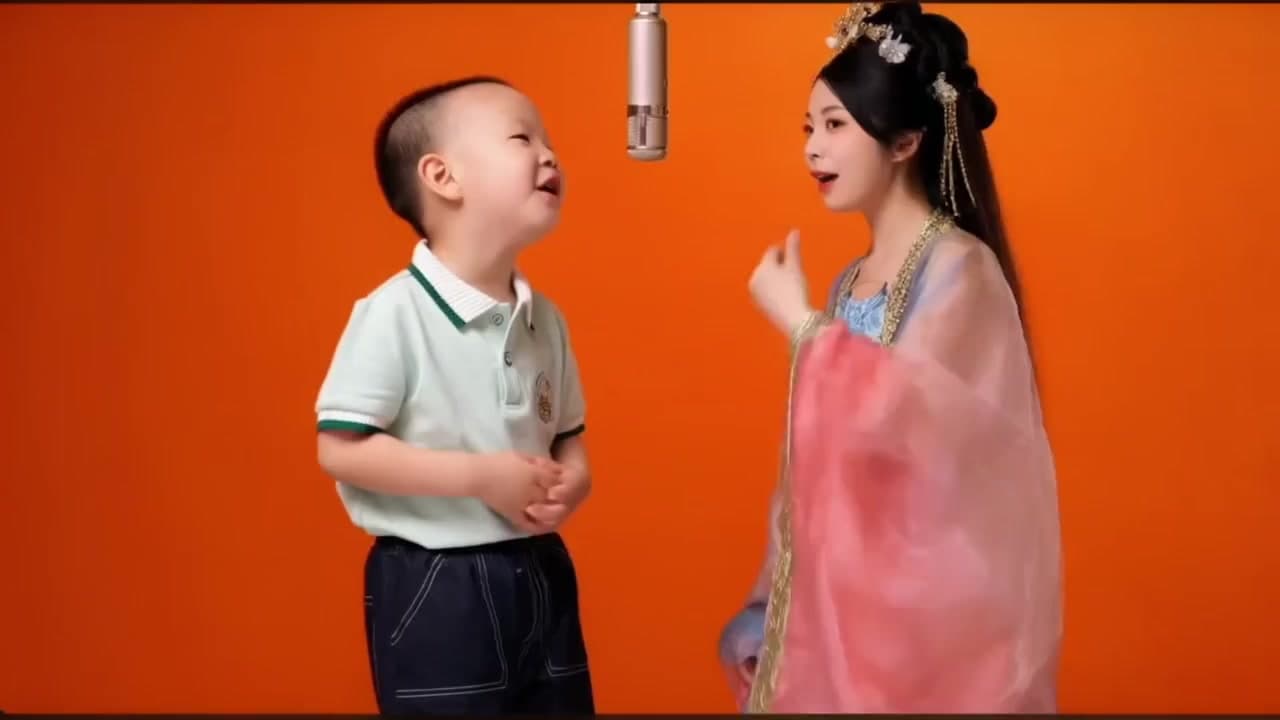
Create a two-person performance in an orange scene beneath a hanging microphone from two portraits.
Alors On Danse AI Meme Video Maker
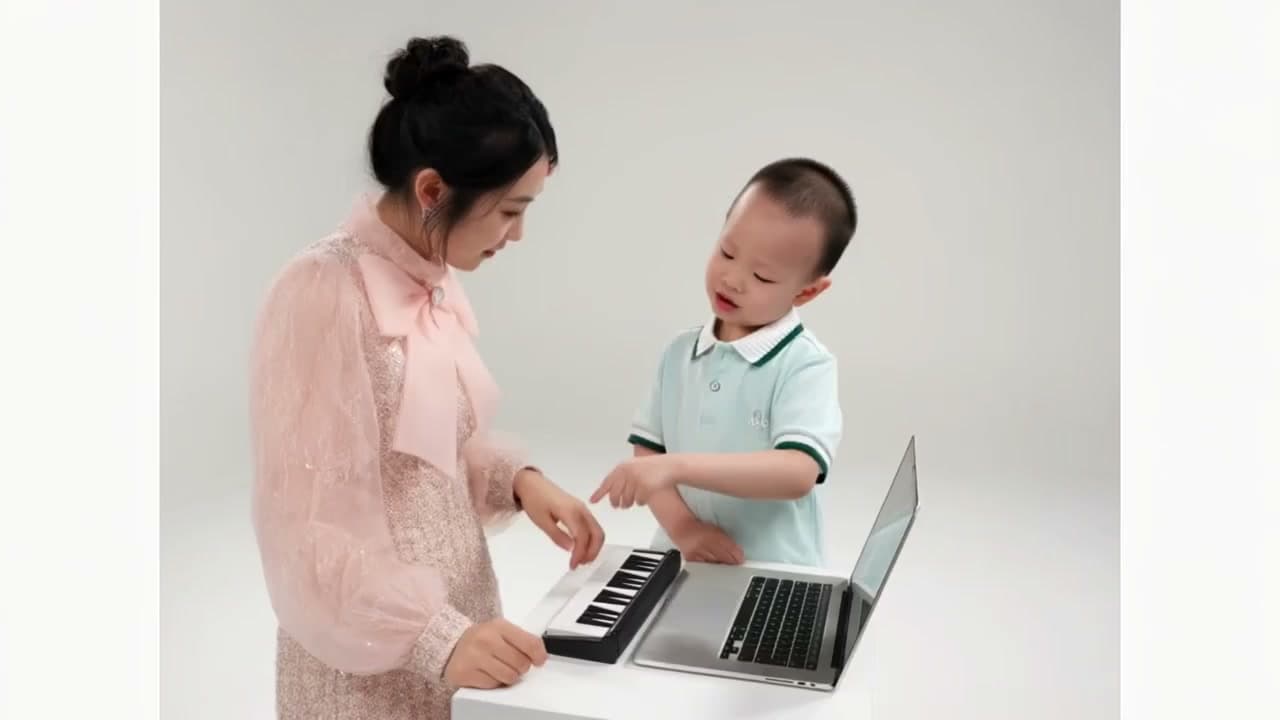
Put two people at the keyboard and laptop in the Alors On Danse AI making-of meme. Upload two portraits to replace both performers while keeping the studio action and original sound.
Raindance AI Video Generator
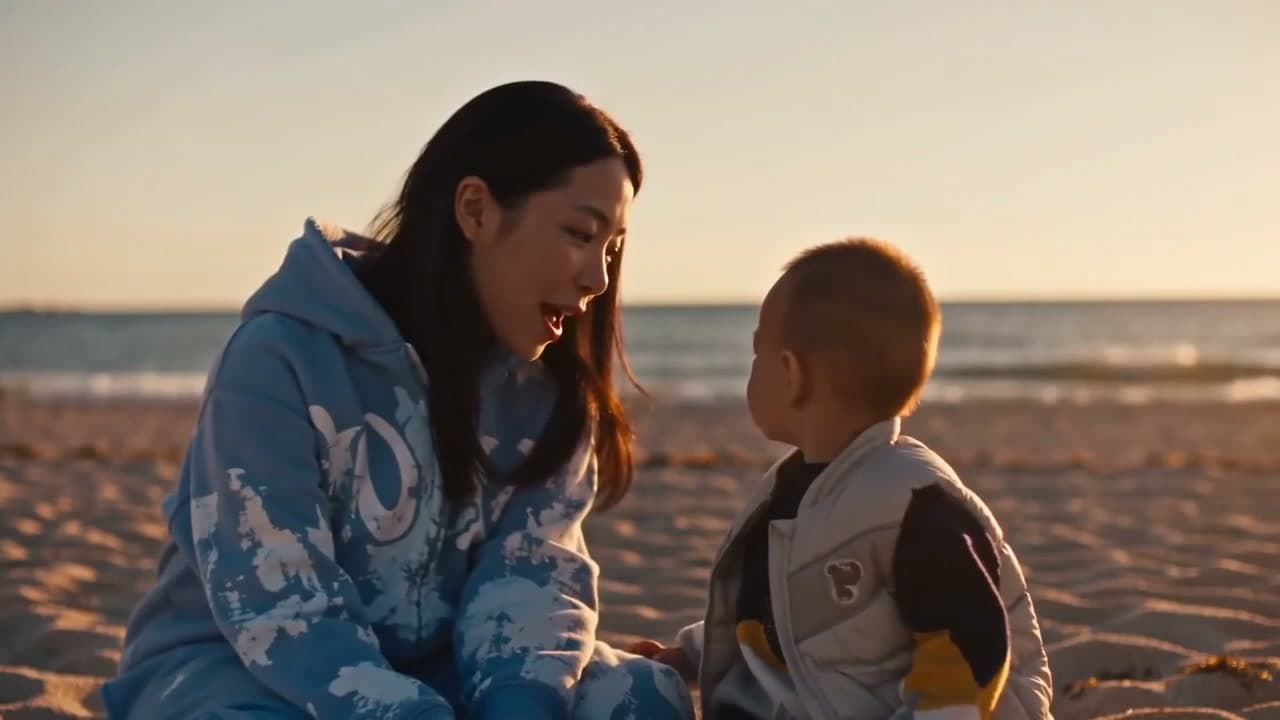
Make a two-person sunset music-video scene from two photos, with singing on a wooden pier and a moment together on the beach.