Practical guide
How to Choose an AI Video Trend Without Wasting Credits
Turn a trend idea into a practical photo and budget brief. Compare dance, rap and duo scenes, trial eligibility, result review and the next video.
In this guide
The best AI video trend for your next post is one you can explain, supply the right photos for, and afford to review—not simply the clip with the largest search estimate. Start with the creative job: a funny reaction, an outfit-led dance, a duo performance, or a short music moment. Then compare real template inputs and prices.
This guide is for someone searching “which AI video template should I use?”, “AI dance video from my photo”, or “how many videos can I make with my credits?”. Those are plausible customer questions, not measured ChatGPT search volumes. The method below helps turn them into a decision you can check.
Separate popularity from purchase intent
A keyword report can tell you that a phrase is being searched within the tool’s scope. It cannot tell you that every searcher wants to buy an AI generation. Someone searching “tiny desk concert” may want a real performance; somebody searching “Pick It Up dance” may want to learn the moves.
In the US TikTok Ads export collected on 10 November 2026, “pick it up make it jump”, “ai dance video” and “how to make ai dance videos” showed positive three-month changes. “Outfit transition” showed a negative three-month change despite positive year-over-year movement. The timeframe changes the story. Calling all four “the fastest-growing AI trends” would be unsupported.
Use the Pick It Up guide and Desk Concert guide to study those references. Both now accept one-photo generation: Pick It Up is 14 seconds for 280 credits; Desk Concert is 8 seconds for 160 credits. Their credited previews come from external sources, and neither new scene has had a paid generation test. Choose with that evidence limit in mind.
Choose the scene before choosing the slogan
For an outfit-led dance, compare Toc Toc and Charme. Toc Toc asks for a full-body adult photo with shoes visible. Charme accepts one adult photo with the face and desired outfit visible, then creates a close crop from that same file. Their current full-video options are 10 seconds and 200 credits each, but the movement and framing differ.
For a street freestyle idea, Bulin 47 is a different input commitment: three separate views of the same adult—front, left and right. Three photographs do not mean three cast members. Choosing this template before reading the upload instructions can turn a quick idea into a frustrating search for missing images.
For two people, start with the relationship between the roles. Hotel Lobby places photo 1 on the left and photo 2 on the right in the orange microphone scene. What You Want Me To Do uses photo 1 for the closer singer on the right and photo 2 for the ukulele player on the left. “First photo goes left” is not a universal rule.
A useful ChatGPT brief contains constraints
Instead of “give me viral AI prompts”, try: “I have one clear adult photo with the complete outfit visible. I want a playful dance post, a 200-credit full-video budget, and a caption that makes sense without sound. Compare the published inputs and limitations of Charme and Toc Toc.” The answer still needs checking against the current template pages, but it starts with the actual decision.
For a duo, use: “I have two separate portraits. I want the first person to sing and the second to accompany them. Explain the photo order for the kitchen duo and identify what I should inspect before posting.” For a rap clip, use: “I have front, left and right photos of the same adult. Help me review likeness and accessories in a Bulin 47 result.”
These are planning prompts, not secret commands to make a model preserve identity perfectly. They do not bypass a sign-in requirement, submit a website job or add unsupported controls to a fixed template.
Make a small budget work before upgrading
If your account displays 500 credits, one Pick It Up (280) plus one Desk Concert (160) would use 440 and leave 60. Three Desk Concert jobs would use 480 and leave 20. Two fixed 200-credit videos would use 400 and leave 100. That arithmetic assumes those selected options are still 200 credits and does not include any other jobs. Three such videos would need 600 credits, so a visible 500-credit balance is not enough for the third.
Duration-based templates require a different calculation. Hotel Lobby currently uses 20 credits per second within its allowed range: a 7-second option is 140 credits. A longer selected duration changes the total. Do not compare that minimum with a different template’s full-length price without checking what you receive.
Other scenes have different contracts: Raindance lists 500 credits for its 10-second option; Zombie lists 614 for 12 seconds; Gas Station uses a role-dependent quote. They are not interchangeable with 200-credit dances. Read the live confirmation before submitting, and choose a scene that fits your remaining balance rather than assuming the next plan is necessary.
Understand the free trial before paying
The trial is one eligible 3-second preview across the site before the first successful purchase, on marked eligible templates. It is not a free video for every template, and paying does not create an unused trial entitlement. Some scenes, including the fixed 200-credit dance examples above, do not offer it.
A sensible first visit is to browse the examples, create or sign into your account, check whether an eligible trial is offered, and supply the correct images for that trial scene. If you instead want a premium-only scene, review its quote before purchasing. Do not choose a different scene merely because a search snippet loosely says “free AI video”.
Keep checkout connected to the intended video
Enter Pricing from the scene’s upgrade action when you need more credits. After checkout, verify that you are in the same account, return to the intended template and recheck the photo slots, selected duration and quote. A successful payment increases the available entitlement; it does not automatically confirm a generation.
If a draft is restored, review it rather than assuming it is current. A cleared browser, a different device or a lost local file can require another upload. If the balance appears wrong, check the transaction history and contact support with the relevant order or job reference. Repeated purchases are a poor way to diagnose an account mismatch.
Submit once and follow the job
A responsive Generate button should create one accepted job, after which progress belongs in My videos. A queue can take time. Before trying again, check whether the first submission is queued, running, succeeded or failed. This prevents the common mistake of paying for several attempts because a preview did not appear instantly.
When a job fails, keep its ID and inspect the transaction record. When a job succeeds but the output is not attractive, review what went wrong: source framing, photo quality, wrong role order or the model’s handling of motion. A technical failure and dissatisfaction with a successful result are not the same billing state.
Review for the scene you actually chose
A dance needs a motion review: feet, turns, hands and garment shape. A rap or singing clip needs identity and mouth review. A two-person scene needs role review, especially across cuts or when one person passes in front of another. Listen for audio problems separately and watch on a phone before sharing.
Inspect the end as carefully as the opening. Bby Wow’s published example already notes a brief double image near its final transition; Toc Toc’s historical example and current input flow differ. Those details help set expectations. They should not disappear beneath a generic “perfect face swap” claim.
Download a copy while the result is available. My videos is a delivery and review tool, not a promise to keep every generated asset permanently. For a support request, include the job reference and a concise description; avoid sending a password, card number or unrelated private photo.
Turn one completed video into a useful experiment
Before generating another clip, change a single creative variable: the caption premise, where the text appears, or the posting context. Keep a note of which scene and input worked. If the problem was a cropped shoe, a new caption will not solve it; if the image was good but the joke was unclear, paying for another generation may be unnecessary.
Judge a post by the outcome you want. Retention can help evaluate the opening; visits can indicate interest; completed purchases can indicate conversion. A large view count alone does not prove that the template, audience or website journey is working.
What public creator discussions add to the checklist
Public Reddit threads raise two recurring decision problems in the examples we reviewed: identity drift during dance and the cost and complexity of a full custom-song video. These few posts are not a representative survey. Their value is in the questions they expose: “Will I still recognise myself near the end?” and “Am I buying a short fixed scene when I actually need my own song?”
Ask an assistant for a comparison with constraints: “Compare one-photo AI dance, fixed soundtrack singing, and custom-song lip sync. For each, list the inputs I need, what the preview proves, and what I must verify before paying.” Then check the answer against the actual product page. An assistant can confidently confuse a music-containing sample with a custom-audio feature.
Before a second attempt, ask: “My first AI dance video changed my face during a turn. Help me separate a weak input photo, an unsupported request and a model-quality limitation. Do not promise a prompt that fixes all three.” This is more useful than repeatedly buying the same job while changing unrelated caption text.
A practical decision checklist
- Can I describe the scene without relying on its trend name?
- Do I have the exact number and type of permitted photos?
- Do I understand which photo replaces which role?
- Does the selected duration and total fit my current credits?
- Is a trial actually offered for my account and this template?
- Do I know where to track, review and download the result?
- Have I checked likeness, motion, audio and publishing permissions?
If any answer is no, resolve it before generating. Browse the live template catalogue, compare the current plans, or contact lina@aivideoswap.com for an unresolved account or job issue.
Research boundary
Trend observations use the dated US TikTok Ads Keyword Insights export; product facts use the current AI Video Swap catalog and generation contracts. Natural-language questions are editorial hypotheses. There is no claim of access to private ChatGPT query logs, guaranteed rankings, official artist endorsement or guaranteed viral reach.
From your photo to a scene
Try a scene from this guide
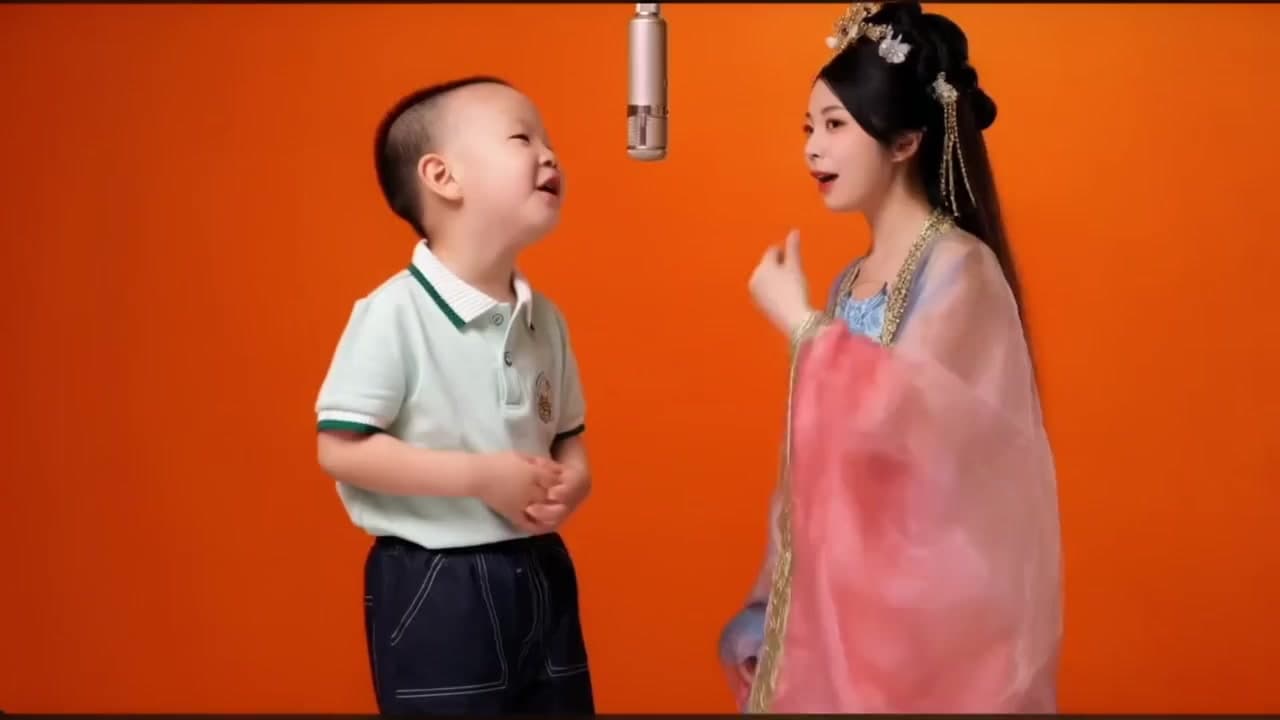
Hotel Lobby AI Template
Make a Hotel Lobby AI rap video from two portraits in the orange hanging-microphone scene. Choose one photo for each performer.
View the template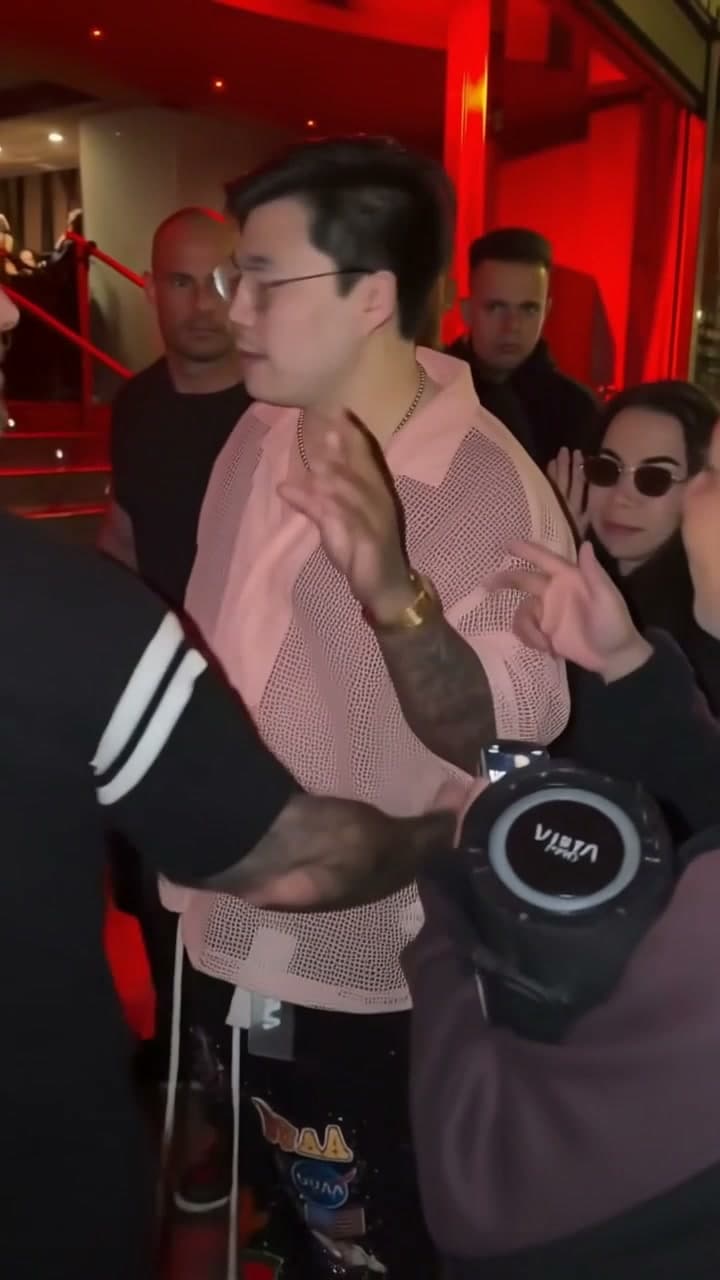
Bulin 47
Create a Bulin 47 (Bulin47) AI face swap in the prepared street freestyle. Add front, left and right photos of the same adult for a 10-second video with original sound.
View the template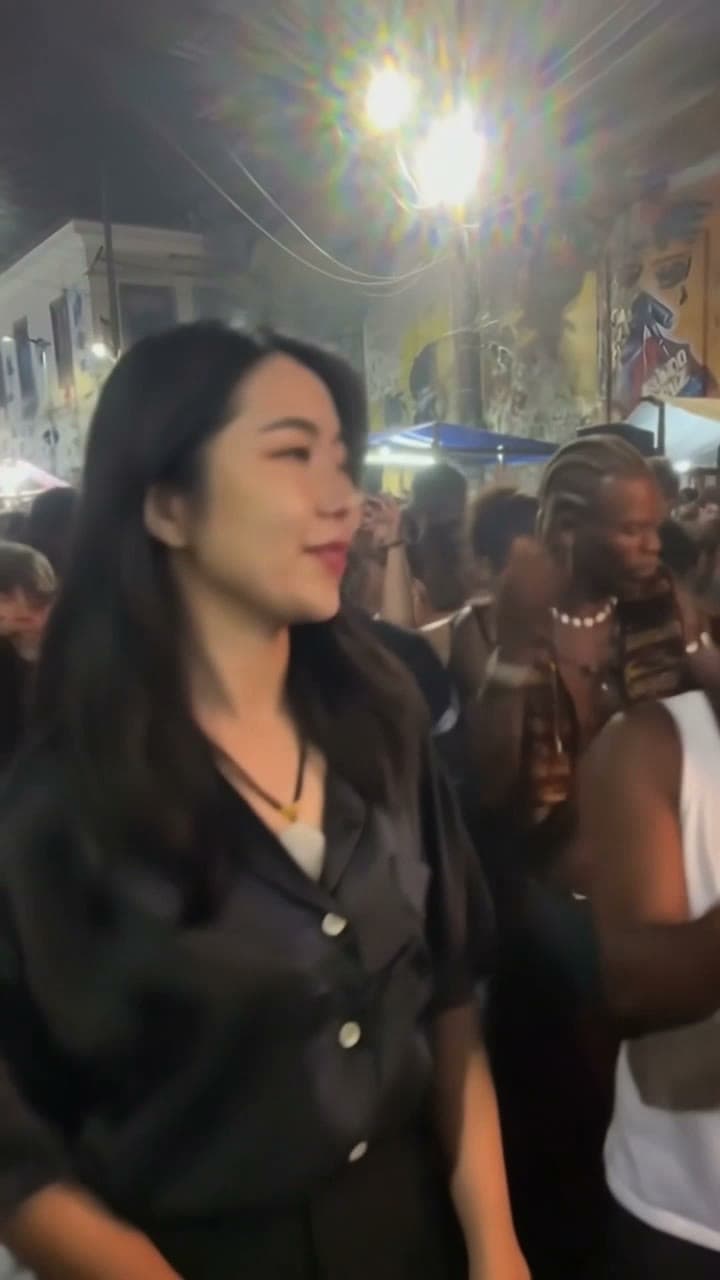
Charme Dance AI
Put one adult into the baile charme street dance. Upload one photo; the prepared clip supplies the dance and the original sound.
View the template