Photo to video AI
Photo to Video AI
Upload a photo, pick a prepared scene and let the template carry the direction. You do not need to write a prompt or supply the target video.
Photo to video AI is the template path for turning a portrait into a short social clip. AI Video Swap curates the scene, motion and prompt so you can focus on the photo and the moment you want to share.
Step into something different
One scene.
All you.
Explore video face swap templates for one or two photos. Find a scene, watch its preview and check when it is ready to generate.
A photo. A scene. Your moment.
Video face swap templates
A little cinematic. A little unexpected. Find the scene that feels like your next moment.
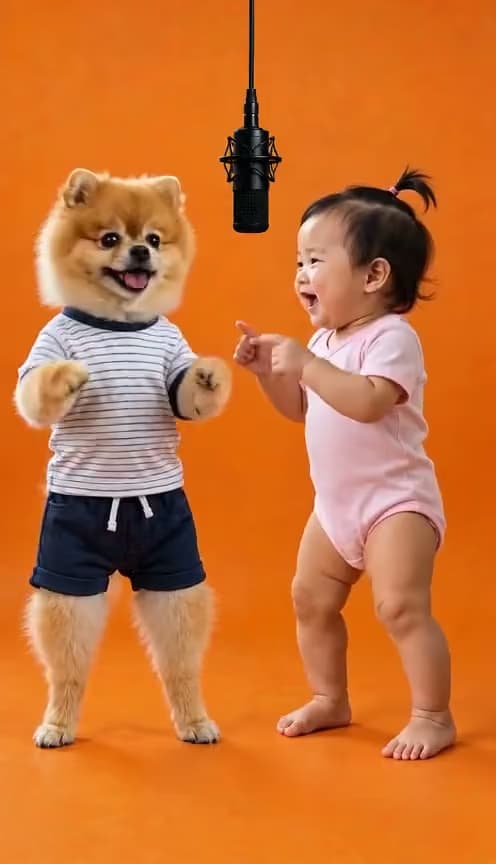
Hotel Lobby
A two-person microphone performance against an orange studio backdrop.
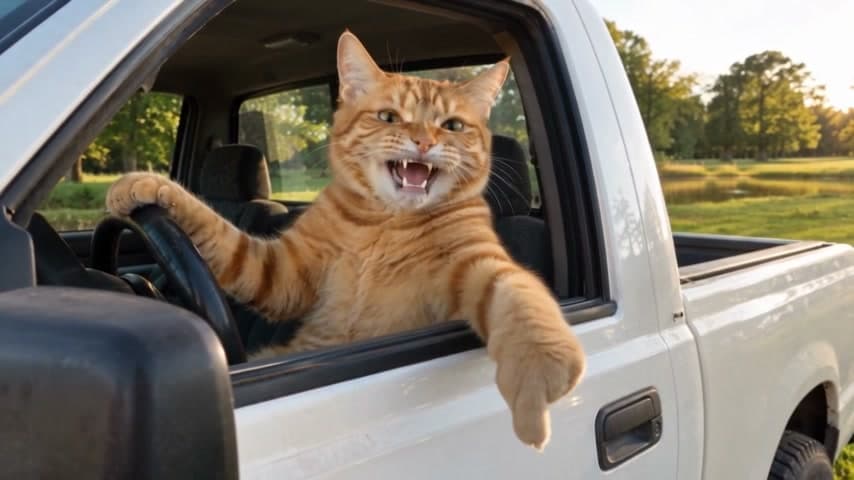
Hit the Road Dude AI Template
Make a TikTok-style meme video from the 'this is private property' moment: upload your portrait, take the driver's role and pick a North American vehicle.
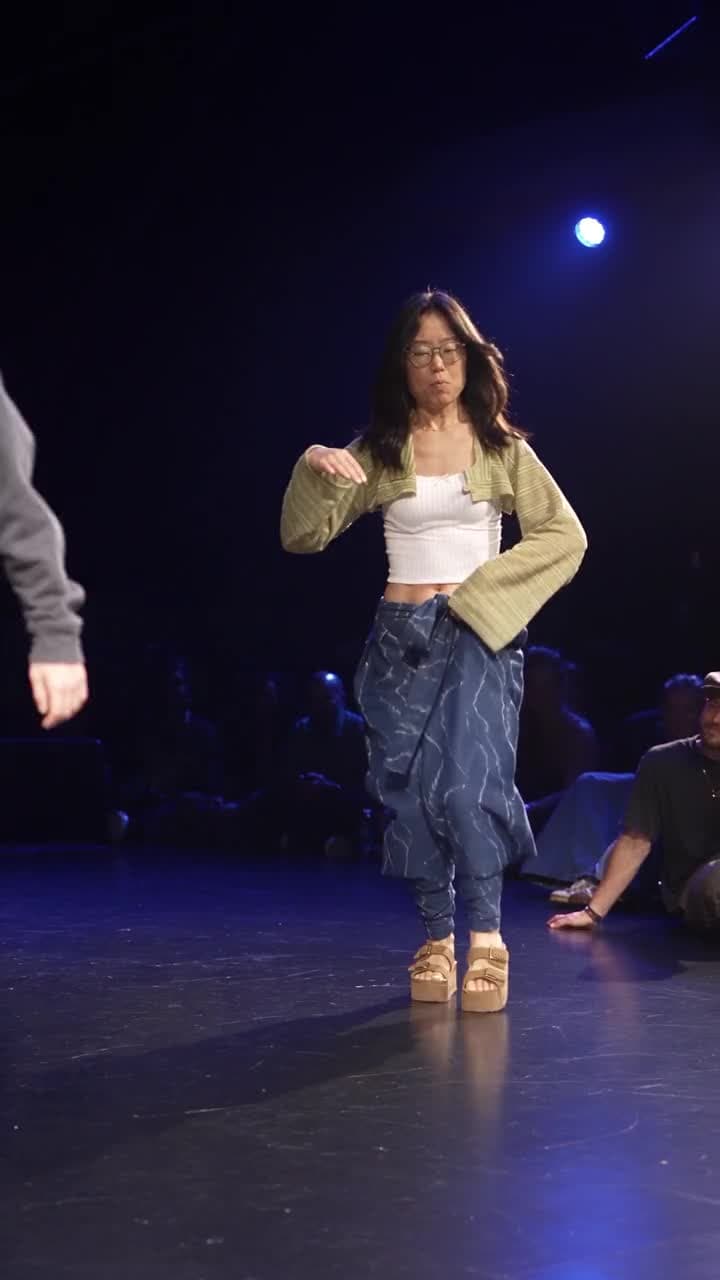
Gang Gang Dance
A solo lead dancer performs on a blue-lit stage with an audience around the floor.

Bitcoin in 2010
A retro computer scene with a 50,000 BTC balance and a conversation about its future.
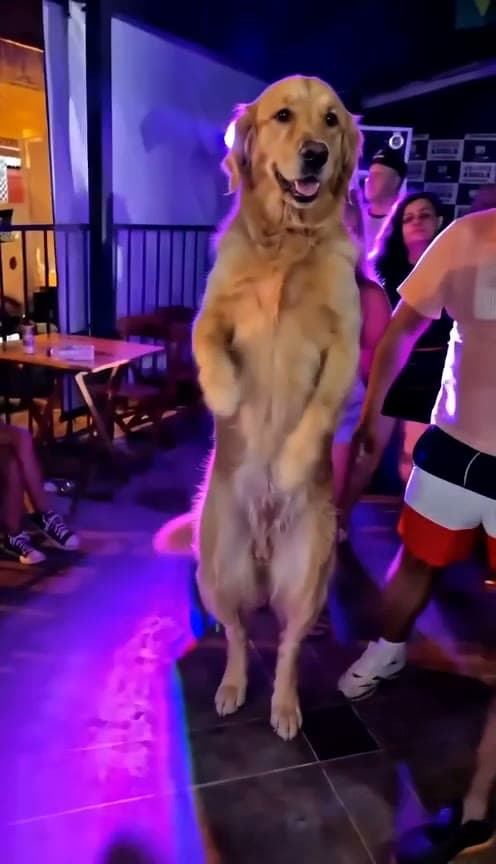
That's My Dawg
A one-photo dance concept with an expressive lead.
Template reference previews. These are not generated results from AI Video Swap. View reference collection ↗
Build register
More scenes are being prepared
These entries are tracked in the template build register. They stay out of search and generation until source media, provider capability and a successful render are verified.
- Storm DanceDraft
A few things to know
Frequently asked questions
What does photo to video AI do?
It uses your supplied photo as the identity input for a prepared video scene, so you can appear in a short social clip without writing a prompt.
Do I provide the video?
No for a prepared template. The template supplies its own target scene; you provide the one or two photos listed on its detail page.
Can I choose a TikTok-style scene?
Yes. The library is curated around short-form formats and refreshed as new scenes are reviewed for generation.
Can I use a pet photo?
Only where a template explicitly says pets are supported. Use photos you have permission to process.
Which AI model powers the video?
A model name is published only after its Kie task, download, playback and output checks pass.